Speed Up Your GTA 6 Download: 9 Console Tweaks That Actually Matter
Nov 23, 2026
210 GB is a lot of file. You cannot beat your internet plan, but you can stop wasting it. Start at the top and work down.
The big wins
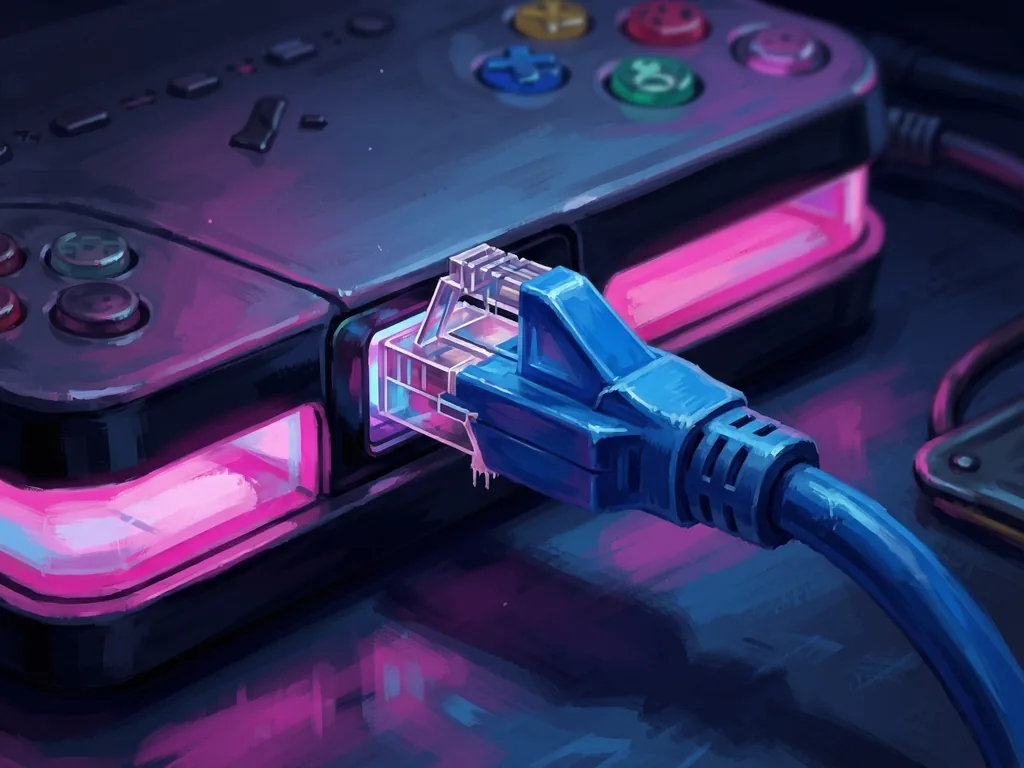
- 1. Plug in a cable. A wired link holds a steady speed, Wi-Fi does not. This is the single biggest improvement for most players.
- 2. Stop everything else. Pause other console downloads and streaming on the same network. They fight for the same pipe.
- 3. Suspend the running game. On Xbox, a game left running can slow background installs. Quit it from the queue screen.
- 4. Do not move to the next screen. Staying on the download page is fine, but do not start another store download.

The smart settings
- 5. PS5 rest mode. open the Power Saving page of System settings, go into the rest-mode features and switch on Stay Connected to the Internet. Add auto-download so the console keeps working while it sleeps.
- 6. Xbox sleep mode. Settings, General, Power options, and use Sleep mode with automatic updates on.
- 7. Pick the right Wi-Fi band. If you cannot cable up, 5 GHz is quicker close to the router and 2.4 GHz travels better through walls.
The polish
- 8. Restart the router. One reboot before a huge download can clear a clogged connection.
- 9. Check what you actually get. Run the console's built-in speed test. If it says 40 Mbps on a 300 Mbps plan, fix the link before blaming Rockstar.
What not to bother with
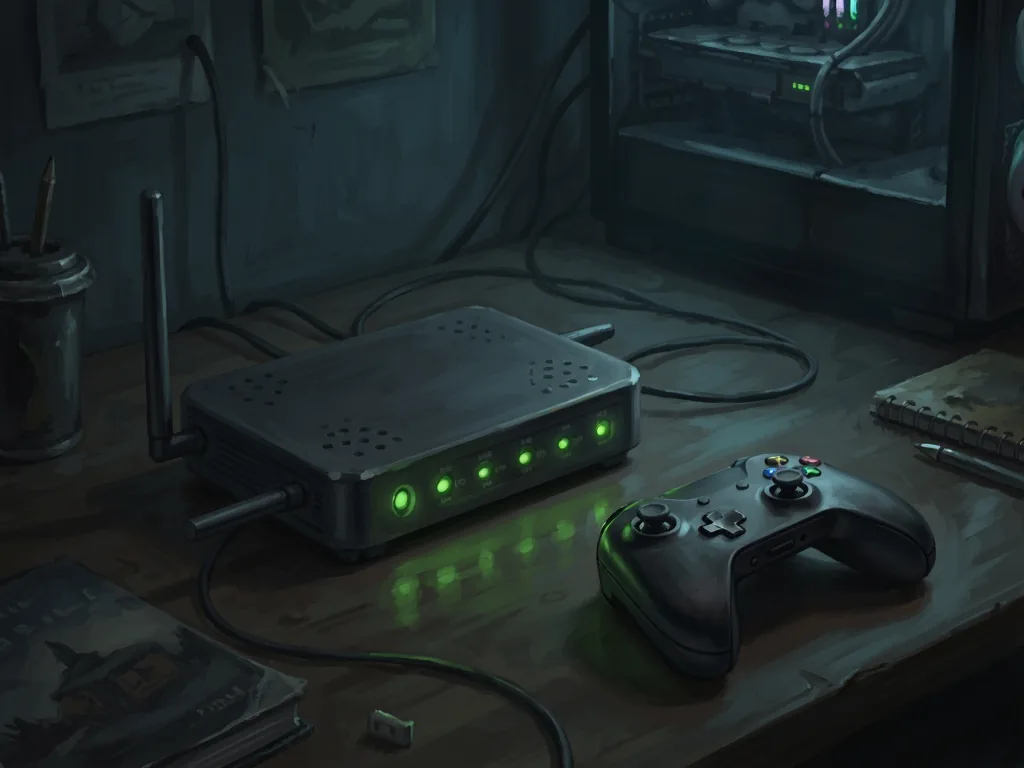
- Moving the console ten centimetres. It helps only if the signal is already marginal.
- Third-party download boosters. None can speed up a console store download.
- Any promise of a faster game file from an unofficial site. The only real files come from your console's store.
Pro tip
Do the maths before you start. At 100 Mbps the file takes around 4 hours 40 minutes in a perfect world. At 25 Mbps it is closer to a day. If your number looks grim, start the download at night and let rest mode finish the job.
Related Apps
 Mortal Company Mobile Horror apk 0.1.8Jul 18, 2024 / 81.79M
 March of Empires War Games apk 8.4.0cJul 02, 2024 / 491.16M
 NightTalk free download 1.1.0Jun 05, 2024 / 145 MB
 Camo Sniper game 3.7.4Apr 17, 2024 / 170.03M
 Aha World: School Day apk 3.8.0Jul 22, 2024 / 1016.02M
 Clubhouse app download 24.07.09Jul 15, 2024 / 195 MB
No comment yet.
Recommend Apps

Tor Browser APK 115.2.1-release (13.0.14)
Nov 24, 2026 / 94MB

Viki: Asian Dramas & Movies 6.9.2
Nov 24, 2026 / 10 MB

Manta APP 24.3.327
Nov 24, 2026 / 97MB

Paramount+ app 15.0.16
Nov 24, 2026 / 48.97M

Fomz Camera download 1.3.5
Nov 24, 2026 / 40 MB
days after mod menu apk 11.3.1
Nov 24, 2026 / 380 MB
Cat Jump mod apk 1.1.183 Cracked
Nov 24, 2026 / 142.50M

animal restaurant mod apk 11.18
Nov 24, 2026 / 338.63M

Johnny Trigger MOD APK 1.12.37 MOD
Nov 24, 2026 / 127MB

Blades of Brim MOD APK 2.20.9 MOD
Nov 24, 2026 / 187MB