
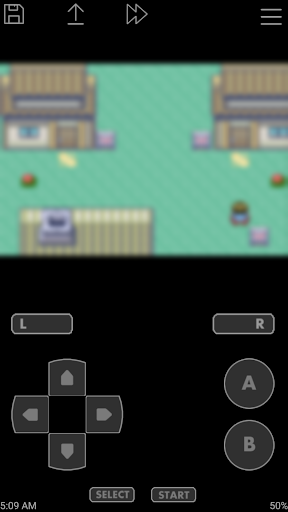
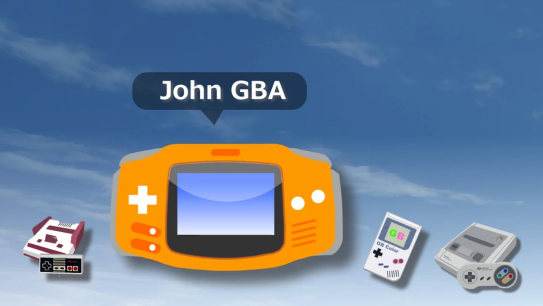
John GBA is a Game Boy Advance (GBA) game emulator for the Android platform. It allows users to simulate running GBA games on their mobile phones, providing an interface and functionality similar to the original GBA console. Users can start the game by importing the ROM files of GBA games and relive those nostalgic GBA game experiences. John GBA emulator is fully compatible with GBA games, supports multiple languages, has a fresh and concise user interface and is easy to operate.
How to use John GBA?
Download and Installation: First, users need to download and install the John GBA emulator on their Android device.
Import the game: Since the John GBA emulator itself does not contain any game ROM, users need to download the GBA game ROM file by themselves and place it in the SD card or internal storage.
Open the emulator: Once you open the John GBA emulator, it will automatically scan the SD card and internal storage for game files.
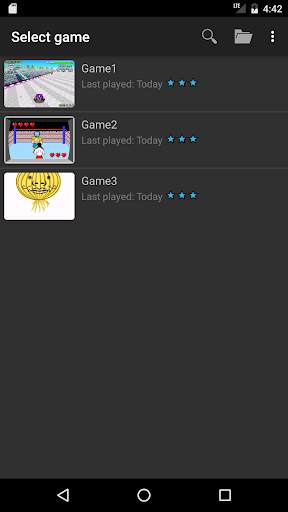
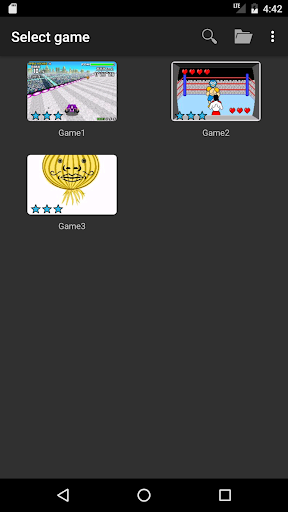
Select a game: After the scan is complete, the user can select the game they want to run in the emulator.
Start the game: After clicking on the selected game, the emulator will load the game and start running. Users can control the game using the virtual keys provided by the emulator or an external controller.

Is John GBA free?
John The GBA emulator itself is free, but users need to download and obtain the GBA game ROM files themselves. Please note that due to copyright issues, the emulator does not provide downloading and distribution of game ROM files.
Core features of John GBA:
Game simulation: John GBA emulator can simulate the running of GBA games, allowing users to relive the classic GBA game experience on their mobile phones.
Multi-language support: Supports multiple languages to facilitate users in different regions.
Game compatibility: Fully compatible with GBA games, supporting more than 2,000 classic games.
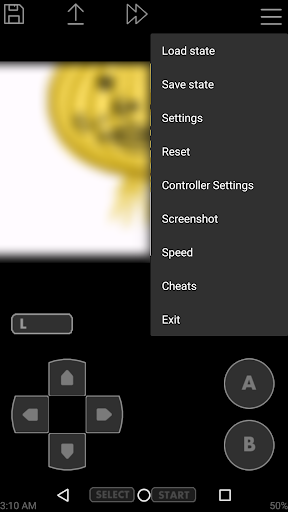
Rich functions: Provides multiple functions such as saving and loading game progress, fast forwarding and retreating, external controller support, etc.
Optimized experience: High-quality rendering, virtual on-screen keyboard, customizable keys and other optimized features improve user experience.
Community support: John GBA emulator has active community support, where users can share game resources, exchange game experiences, etc. in the community.