My Boy GBA emulator is a popular GBA emulator software on the Android platform. It not only has high performance and wide compatibility, but also supports smooth operation on a variety of Android devices from low-end devices to tablets.
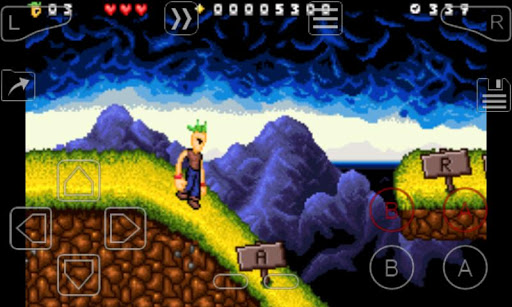
How to use My Boy emulator?
Download and install: Download the My Boy emulator from the official website or a trusted app store and install it on your Android device.
Import games: Import the GBA game files (usually in .gba format) you want to emulate into the emulator. This can be done by finding the game files directly in the phone file system and importing them, or using the file browser provided by the emulator to import them.
Configuration settings: In the emulator, users can make various configuration settings according to their preferences, such as screen layout, key mapping, game speed, etc.
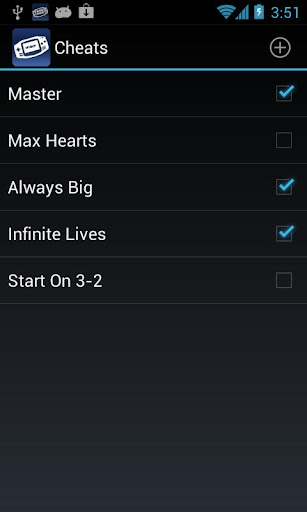
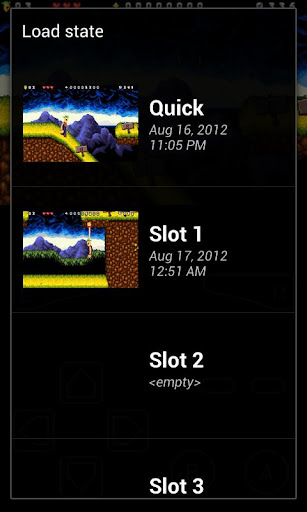
Start the game: After the configuration is completed, click on the game in the game list to start the simulation. During the game, you can use the various features provided by the emulator to improve the gaming experience, such as saving game progress, using cheat codes, etc.
Is My Boy free?
My Boy emulator is free. Although it provides many advanced features, users do not need to pay any fees to use these features. This makes My Boy emulator one of the preferred tools for users who love GBA games on the Android platform.
My Boy core functions:
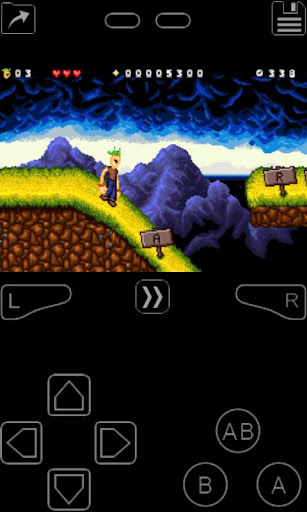
GBA game simulation: supports simulating GBA games on Android devices, providing a smooth gaming experience.
High performance and compatibility: high performance and wide compatibility on various Android devices.
Save and read game progress: allows users to save and read game progress at any time, so that users can continue the game at any time.
Multiple control methods: provides multiple control methods, including touch screen, button mapping, etc., to meet the needs of different players.
Connection and communication function: supports connection and communication functions between two devices, and users can play multiplayer games through the network or Bluetooth.
Game optimization function: such as fast forward function, cheat code, etc., to improve the gaming experience.