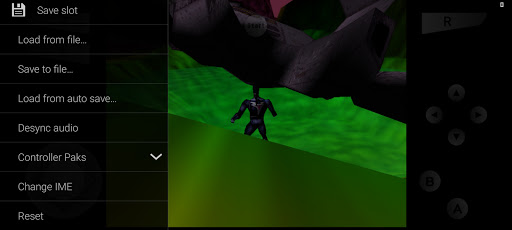
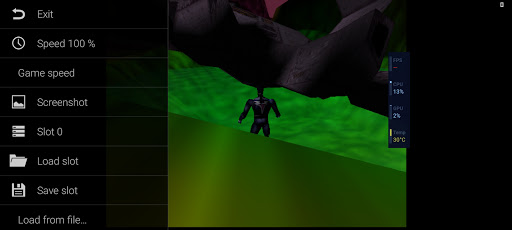
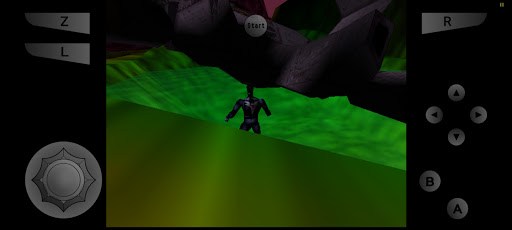
M64Plus FZ Pro Emulator is a Nintendo 64 emulator designed for Android phones. It is highly compatible with all kinds of N64 games and provides improved graphics and audio effects, allowing users to relive classic games while enjoying a smoother and more realistic gaming experience. The emulator focuses on details and user experience to create a comfortable and smooth gaming environment for users.
How to use M64Plus FZ Pro Emulator?
Download and install: First, users need to download and install the M64Plus FZ Pro Emulator software from a reliable source.
Prepare game files: Users need to place the Nintendo 64 game files (ROM files) in the phone storage. These game files can be obtained through legal channels, such as extracting ROM files by themselves after purchasing genuine games.
Start the emulator: After opening the M64Plus FZ Pro Emulator software, users need to select the game files that have been placed in the phone storage and start the game.
Configure settings: Users can adjust the graphics and audio settings according to their needs to get the best gaming experience.
Start the game: After the configuration is completed, users can start enjoying the game.
Is M64Plus FZ Pro Emulator free?
M64Plus FZ Pro Emulator itself is a free software, but users need to obtain and provide Nintendo 64 game files (ROM files) by themselves. These game files themselves may be protected by copyright, so users need to ensure that they are obtained and used through legal channels.
M64Plus FZ Pro Emulator core features:
Wide compatibility: M64Plus FZ Pro Emulator is highly compatible with various N64 games to meet the diverse needs of users.
Optimized graphics and audio effects: Provides improved graphics and audio effects to make the game screen clearer and more realistic, and the sound effects more vivid and realistic.
Rich customization options: Supports rich customization options, including settings in graphics, audio, control, etc., to meet the personalized needs of different players.
Smooth running experience: The emulator runs smoothly, reducing freezes and delays, ensuring that users can enjoy the fun of the game.
Multiplayer support: Supports multiplayer functions, and users can share the fun of the game with friends.
Plugin and core selection: Provides a rich selection of plugins and cores to meet the needs of different games.
File storage and management: Supports SD card and Google Drive storage, which is convenient for users to manage and share game files.