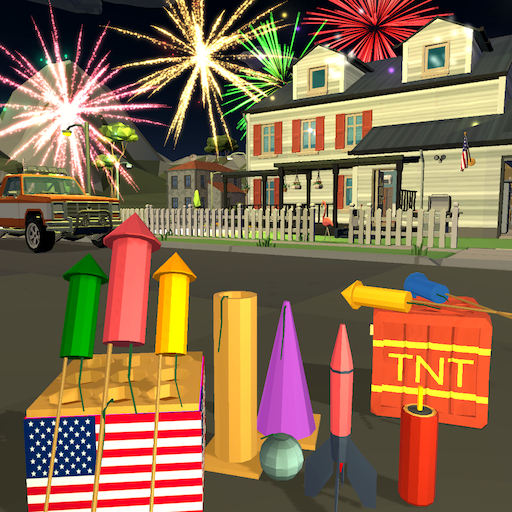
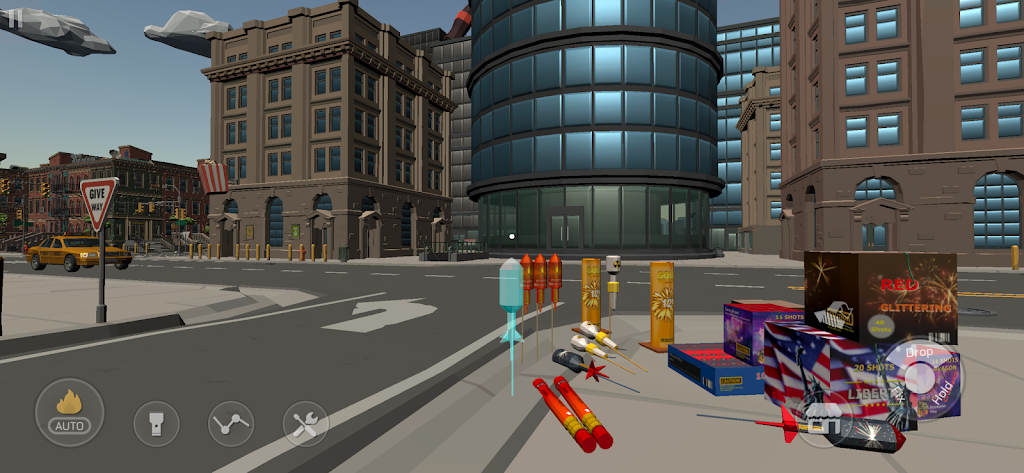
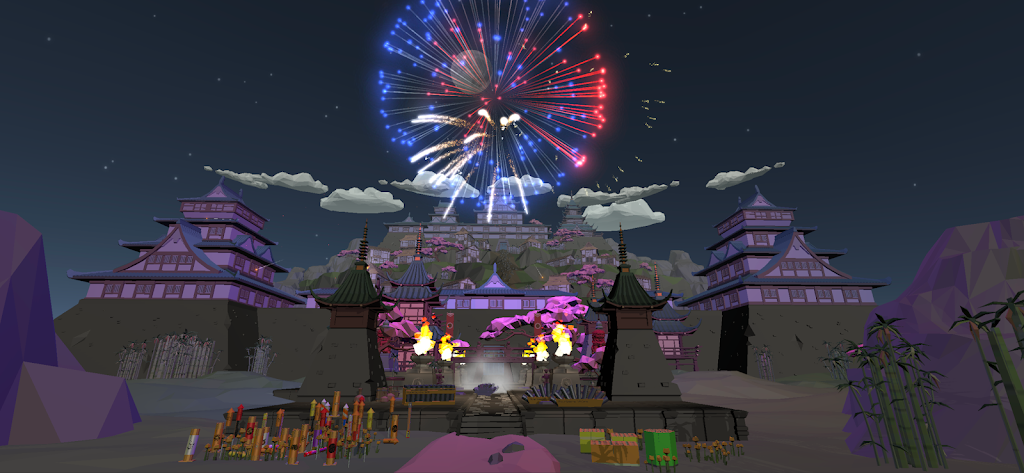
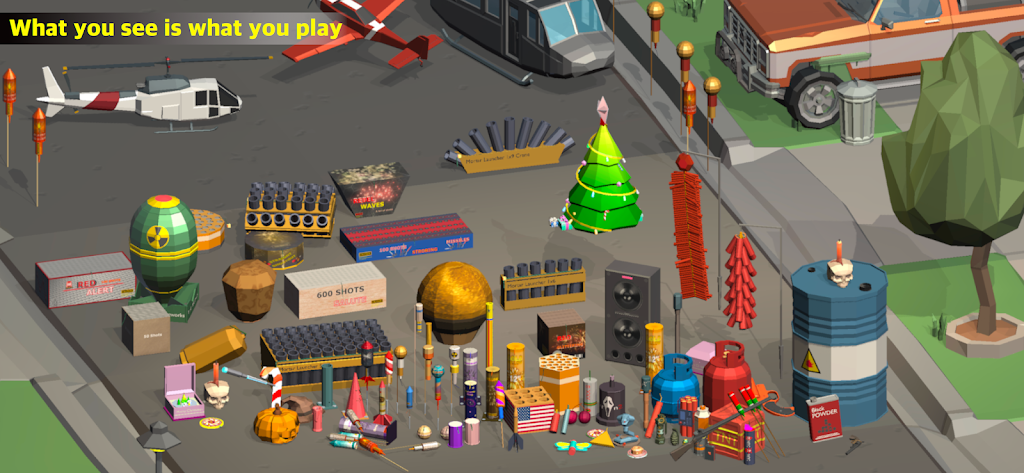
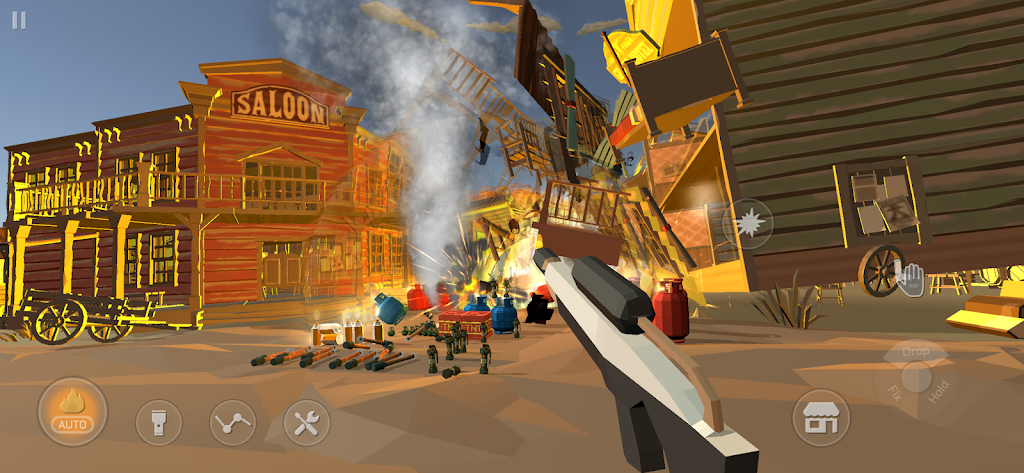
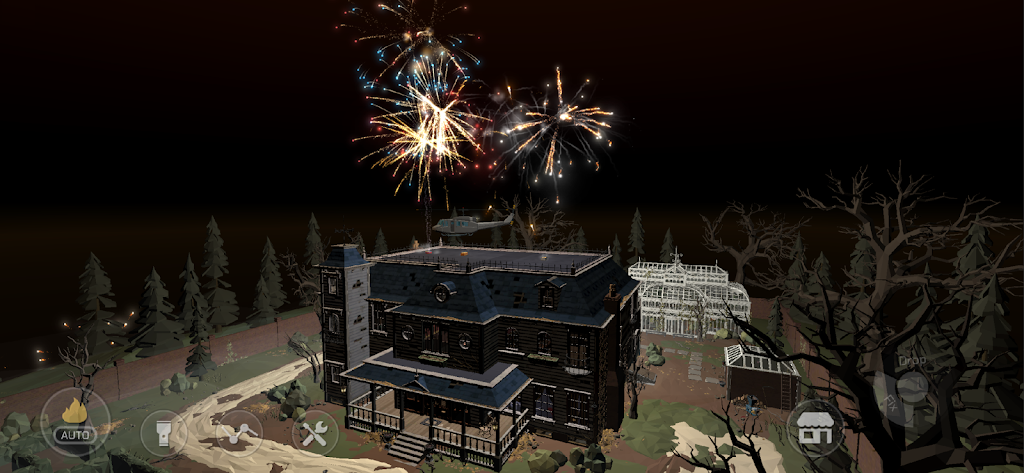
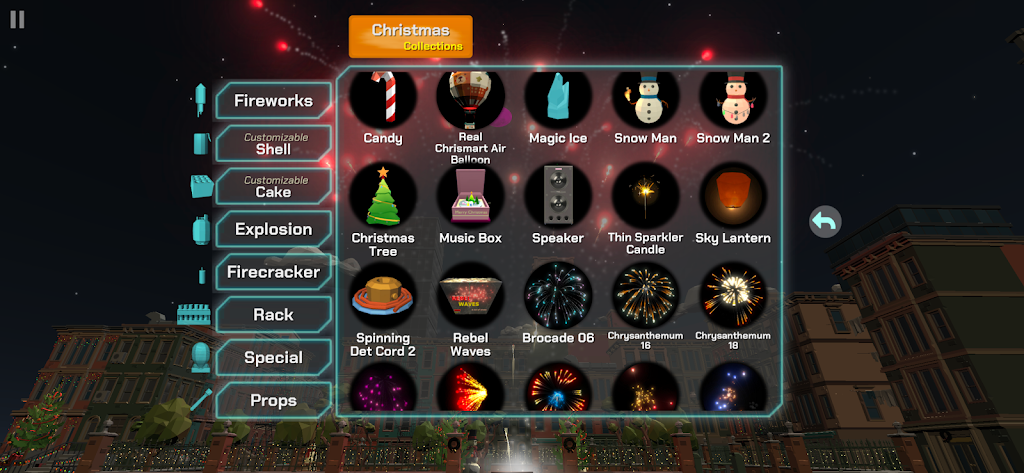
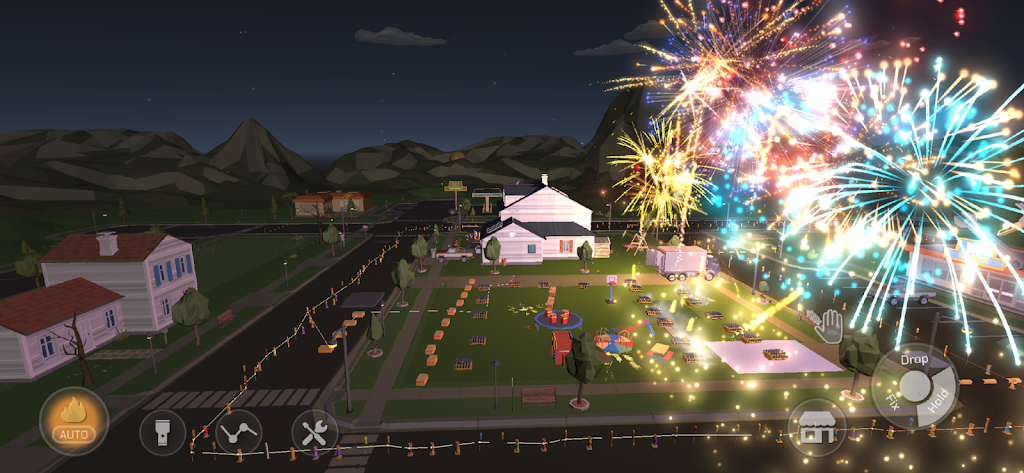
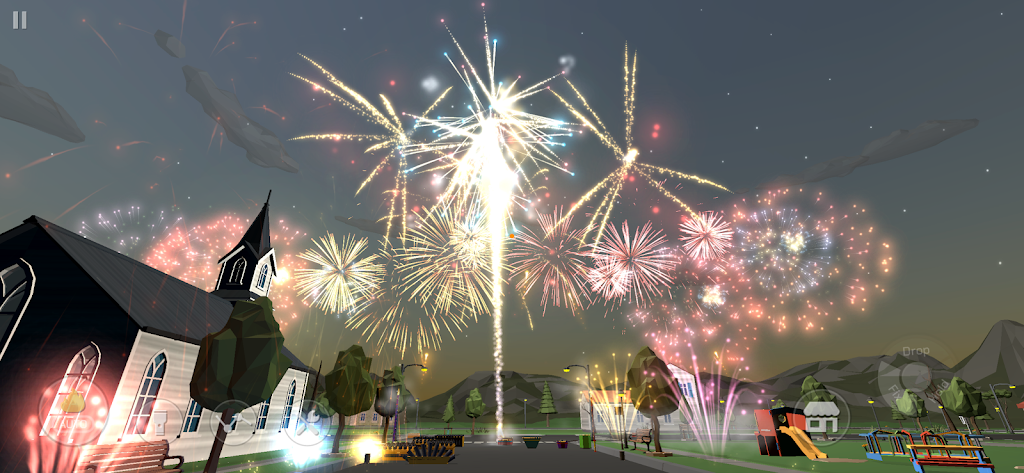
Fireworks Play is a realistic and immersive 3D fireworks simulator game that provides players with a platform to create and enjoy fireworks shows. The game provides a variety of different types of fireworks for players to choose and purchase, including various shapes, The colors and effects of fireworks allow players to freely match and create according to their own preferences.
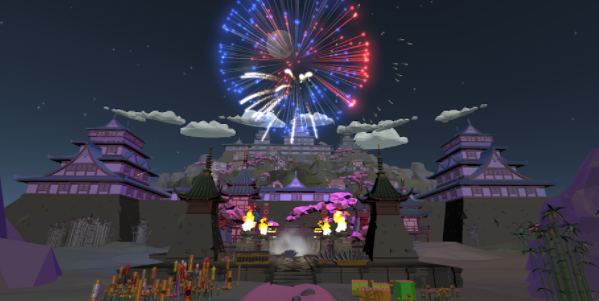
Game introduction
Fireworks Play is a very interesting casual fireworks simulation game. There are various large fireworks that can be set off in the game, bringing visual shock and fun to players. Players can unlock a variety of firework types and demonstrate their firing skills in challenge levels. They can easily release fireworks by just clicking on the screen, making it suitable for different groups of people.
How to play Fireworks Play?
1. Open Fireworks Play and first select the game mode, existing FPS mode, build mode, etc.;
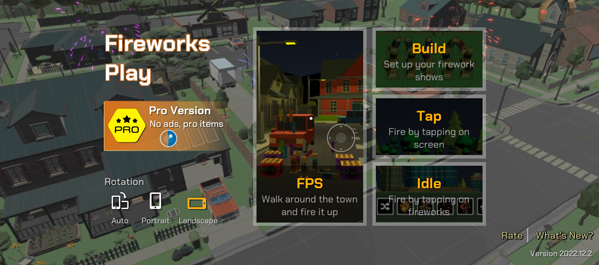
2. Here we take the FPS mode as an example and select the game map;
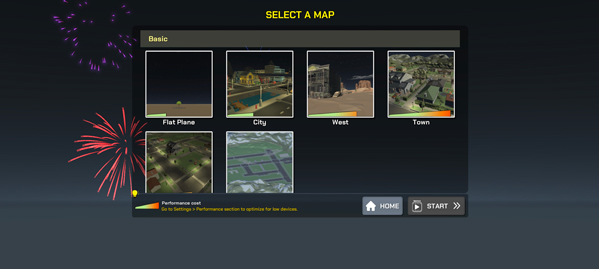
3. Then adjust the color, brightness, etc. of the moon in the map;
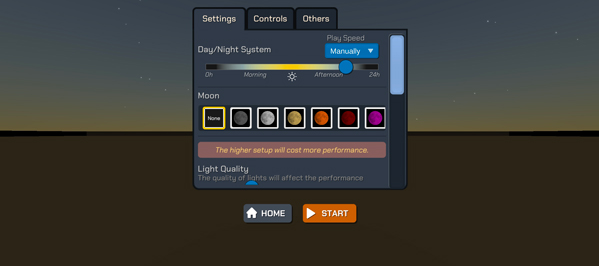
4. After setting up, click start, and then click the store button in the lower right corner, where players can purchase their favorite fireworks;
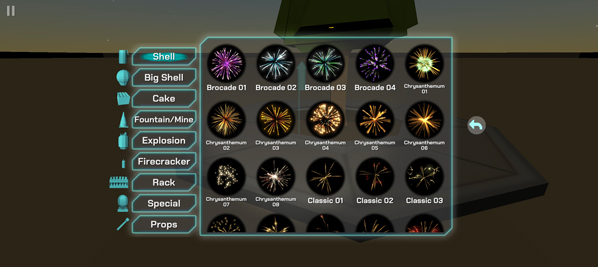
5. After purchasing, click to place, and players can adjust the placement angle;
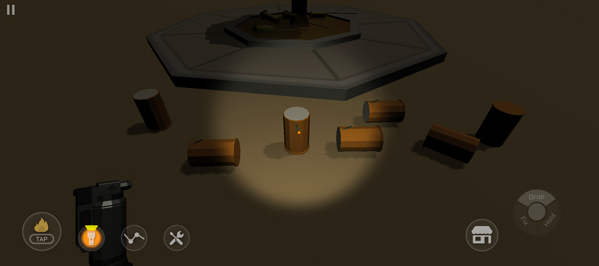
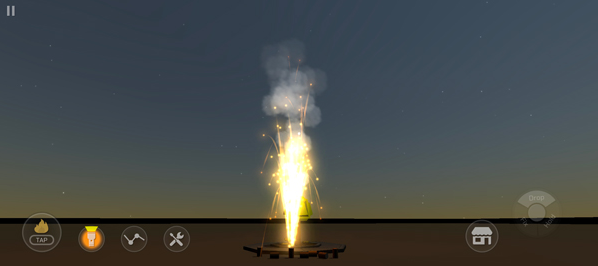
6. Then click the igniter in the lower left corner to ignite the fire. After a while, you can see the fireworks in the sky.
Game Highlights
1. You just need to tap the screen, select the fireworks you want to see, and tap to release them.
2. Displaying all effects on a black screen will be very vivid and visually pleasing.
3. There are many exquisite fireworks here, allowing you to see fireworks you have never seen before.
4. There are all kinds of fireworks inside, and you need to unlock them all to get a visual feast.