
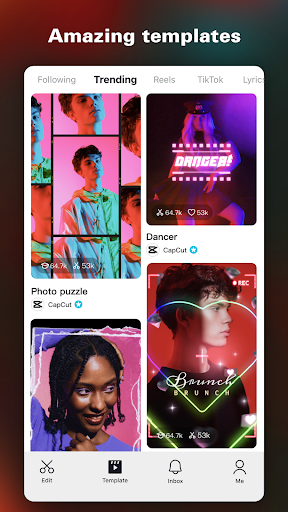
Capcut is a professional video editing software. This software also brings very powerful and practical editing functions to the majority of users. Whether it is cropping videos, adding watermarks, etc., it can greatly satisfy users. If you need it, please download it now!

Software introduction
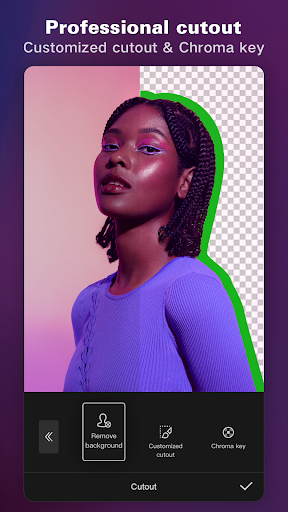
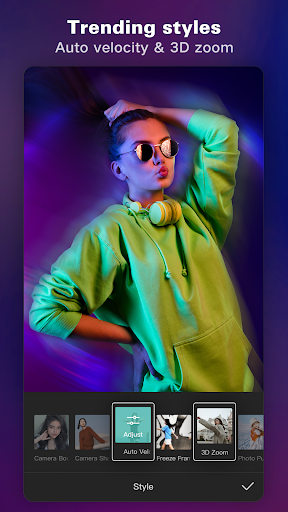
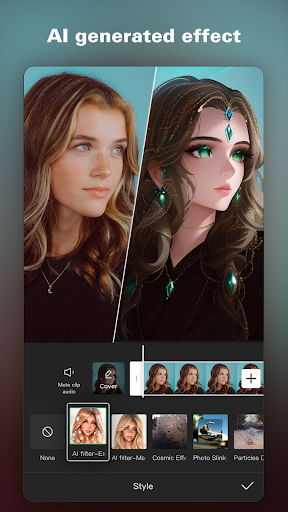
It has powerful special effects and filter functions. Special effect operations such as cutting, changing speed, reverse playback, canvas, and transitions can be completed with one click. Videos can be edited by clicking on the corresponding functions according to their own needs. Users can use the software to Complete complex video editing operations easily and simply!
How to switch language in CapCut
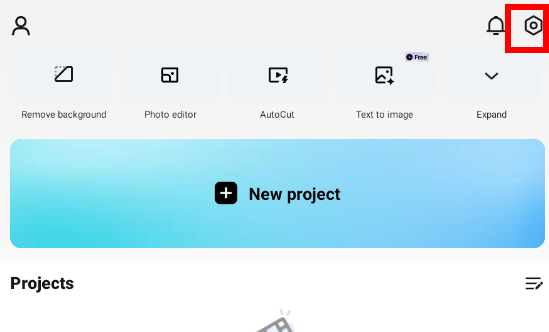
1. Open the CapCut software, enter the home page, and set it in the upper right corner.
2. When you see the APP Language setting language, click it.
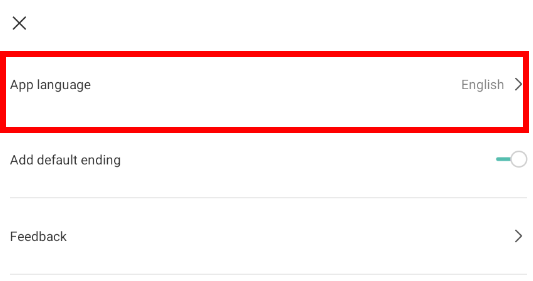
3. In this way, you can switch the required language
Software features
1. The powerful video editing function allows you to cut to the nearest second as you wish, and you can also choose to splice and merge multiple videos;
2. Rich background music materials provide cool sound effects for your videos, and you can also do post-dubbing by yourself;
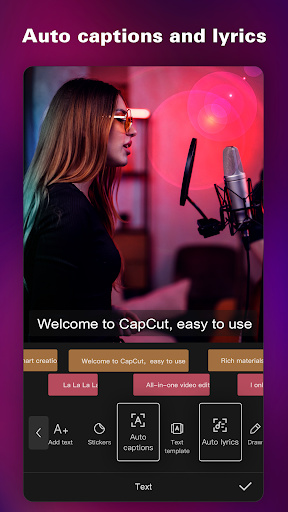
3. Funny emoticon stickers, subtitles, and text make your videos more interesting;