
Smarters Pro is a streaming media application designed for devices such as iPhone and iPad. The software was developed by Smarters Private Limited to provide users with an excellent viewing experience, allowing them to easily watch movies, TV series and live TV on their mobile devices.
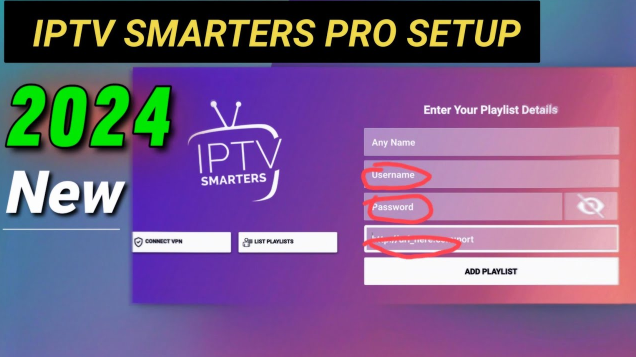
How to use Smarters Pro?
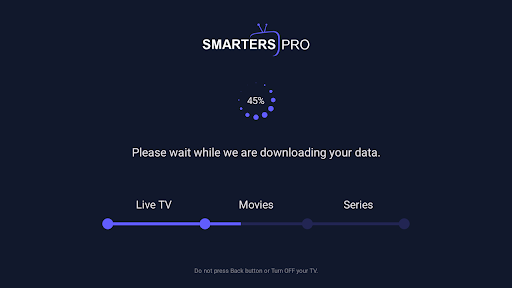
Download and installation: First, you need to search and download the Smarters Pro app in the App Store. After installation, open the app and follow the prompts for a simple setup.
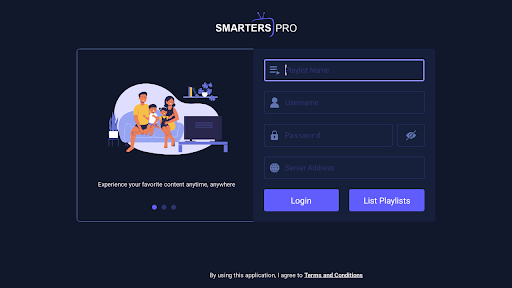
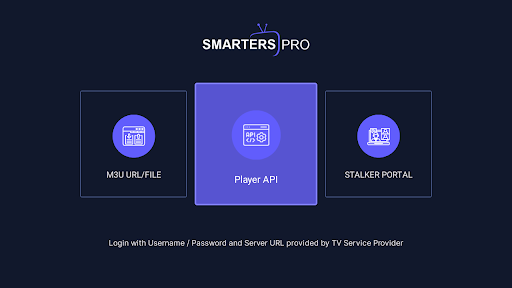
Login and subscription: When using Smarters Pro for the first time, you need to log in using the credentials provided by your service provider. Then, select the corresponding subscription service based on the content you want to watch.
Browse content: After logging in and subscribing, you can browse a variety of movies, TV series and live TV content within the app.
Start playing: After selecting the content you want to watch, click the play button to start playing. During playback, you can use the various features and options provided by the app to adjust playback settings, view video information, etc.
Is Smarters Pro free?
Smarters Pro itself is a free video player app, but users need to subscribe to the content provided by the service provider to watch movies, TV series and live TV. The specific subscription fee and content depends on the service provider you choose.
Smarters Pro core features:
Streaming media playback: supports high-quality streaming media playback to provide users with a smooth viewing experience.
Multi-platform support: supports not only iOS devices (such as iPhone, iPad), but may also support other platforms (please refer to the official documentation for specific information).
Content diversity: supports the playback of multiple content types such as movies, series and live TV.
Subscription service: users can watch a variety of movies, series and live TV by subscribing to content provided by service providers.
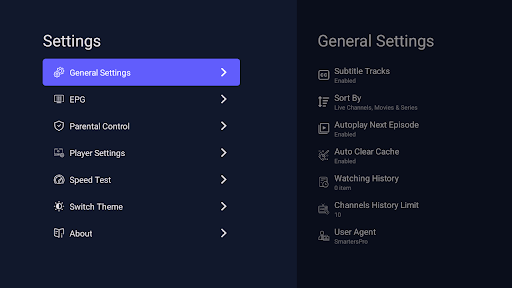
Personalized settings: provides a variety of playback setting options, such as picture quality selection, volume adjustment, etc., to meet the needs of different users.
Parental control: supports parental control function to help parents filter content that is not suitable for children to watch.
API support: developed based on Player API, may provide integration functions with other applications or services (please refer to the official documentation for specific information).