
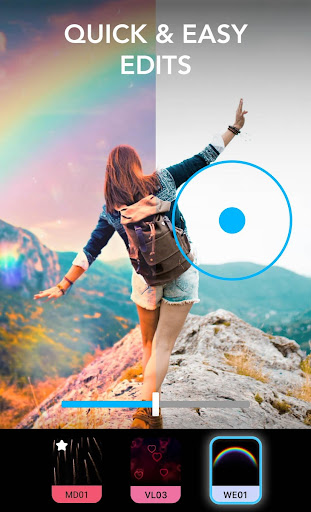
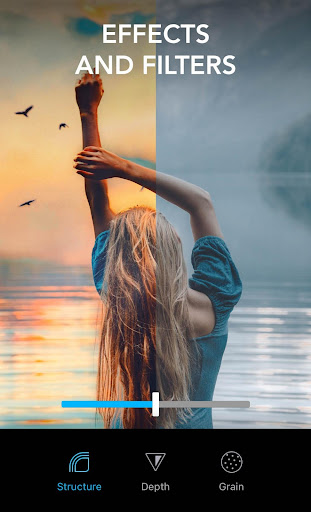
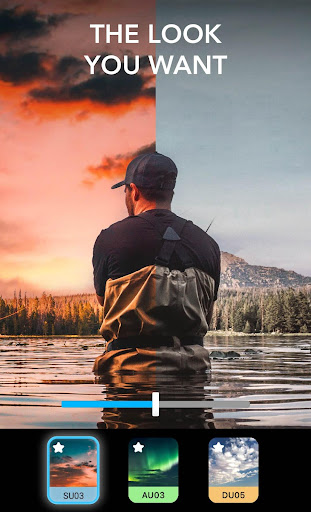
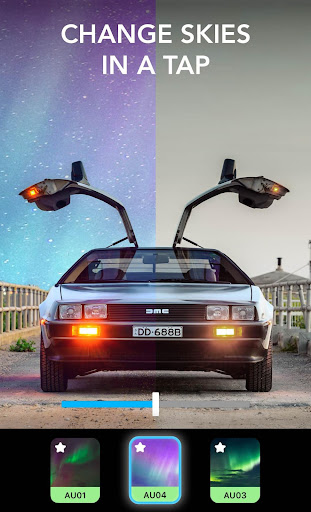
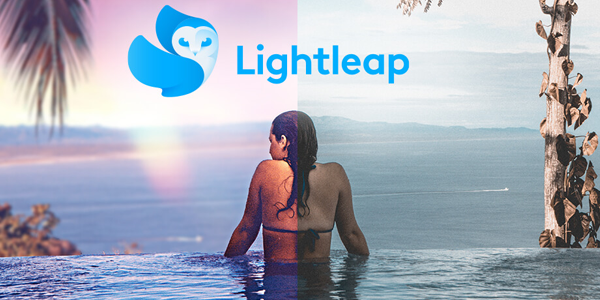
Lightleap is a powerful mobile photo editing software that supports the editing of pictures and videos. The software provides thousands of different effects and filters to help users make each photo completely different. Lightleap has a simple interface, comprehensive functions, and simple operation, so that users can easily get started even without professional photo editing knowledge.
How to use Lightleap?
Open the software: First, users need to download and install the Lightleap software on their mobile phones, and then open it.
Import pictures: In the software, users can select the pictures they need to process and import them.
Edit pictures: After importing pictures, users can see that the software supports a variety of modification functions, such as appearance, automatic, filter, and adjustment. You can adjust according to the details of the picture such as brightness, shadow, hue, etc., or add filters to change the overall style of the picture.
Save and share: After editing, users can save the picture to the mobile phone album or share it on social media platforms.
Is Lightleap free?
Lightleap provides a free version for users to use, which includes basic photo and video editing functions. However, some advanced features, special effects, and materials may require payment to use. In addition, the free version may contain ads.
Lightleap's core features:
Image editing: supports adjusting the brightness, depth, shadow, tilt, hue, vividness, vignette and other parameters of the image, making the image effect more outstanding.
Filters and special effects: provides a wealth of filter and special effects options, including retro, black and white, HDR and other styles, to help users easily create unique image effects.
Batch editing: supports editing multiple images at the same time, saving users time and energy.
Strobe mode: This feature can imitate strobe lights and long exposures to take unique action photos.
HDR mode: automatically evaluates lighting conditions before shooting, ensuring the clearest results even in tricky lighting environments.
Material library: provides a large number of materials for users to choose from, including sky backgrounds, filters, etc., making users' creations more colorful.