
Musicly is an AI-based music app that allows users to create and customize personalized songs by changing the voices in their favorite songs to those of world-famous stars, singers, and rappers through its powerful voice changer feature. This app is designed for iPad, but it also supports iPhone users. Musicly is not only a song generator, but also a platform that inspires users to create music.

How to use Musicly?
Download and install: First, users need to search and download the Musicly app in the App Store. After installation, open the app and follow the prompts to register or log in.
Create a song:
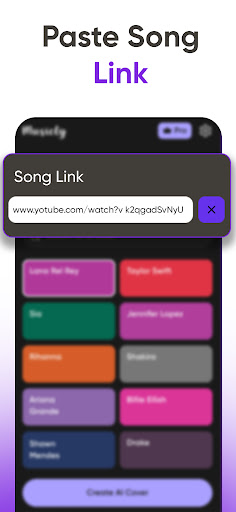
Select the song you want to change the voice. Users can copy and paste the song link into the app, or search and select it directly in the app.
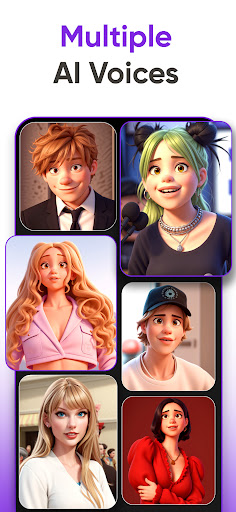
Select the desired voice in the voice library. Musicly's voice library contains a wealth of voices of world stars, singers, and rappers.
Apply the selected voice to the song to generate a unique personalized song.
Share the song: After completing the song creation, users can share their work through various social media platforms to communicate with the global community of music lovers.
Is Musicly free?
The Musicly app itself is free, but it offers in-app purchases. This means that users can download and use the basic functions of the app for free, but some advanced features or additional sound libraries may need to be purchased for a fee.
Musicly core features:
AI voice changer: allows users to change the voice in the song to the voice of world-famous stars, singers and rappers.
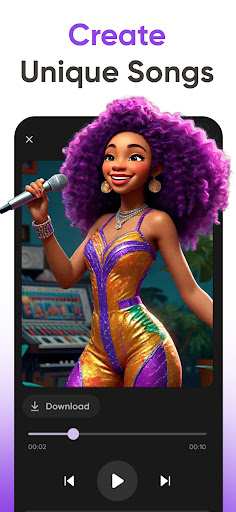
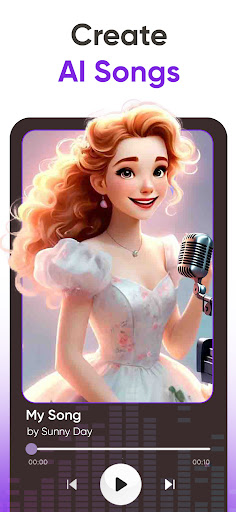
Song generator: generates unique personalized songs based on user selection and input.
Rich voice library: contains a variety of sound selections to meet the different creative needs of users.
Social media sharing: supports users to share their works on various social media platforms.
Easy to use: designed for iPad and iPhone, with a user-friendly interface and easy operation.