
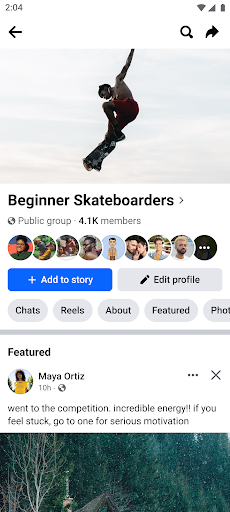
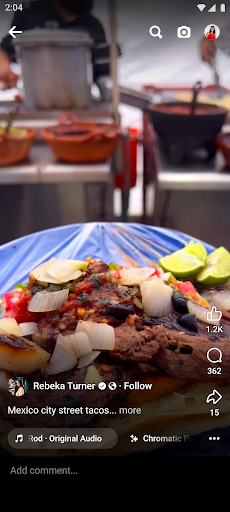
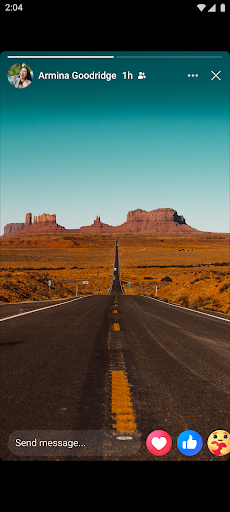
Facebook Facebook Android version is a popular social chat software. This application not only provides the opportunity to make friends, but also shares your daily life, expands your social circle, and has the opportunity to meet friends from different regions and experience different things. The country's unique culture brings everyone a broad international social circle, allowing them to easily stay in touch with friends, family and colleagues, and meet the needs of netizens whether at work, study or life.
Application introduction
Facebook Facebook Android version is a popular social chat software. This application not only provides the opportunity to make friends, but also shares your daily life, expands your social circle, and has the opportunity to meet friends from different regions and experience different things. The country's unique culture brings everyone a broad international social circle, allowing them to easily stay in touch with friends, family and colleagues, and meet the needs of netizens whether at work, study or life.
Software function
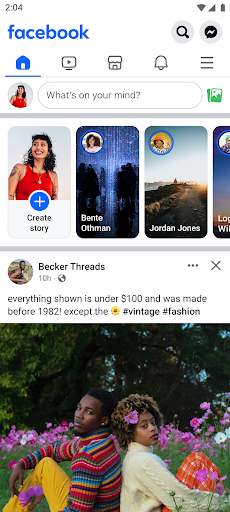
1. On your homepage, you can view all the content updated by your friends, including the pictures and videos they shared.
2. Search to add new friends and classify them according to the type of friends to facilitate management of your own friend list.
3. Display all notifications related to you, such as birthday reminders from friends, being tagged in photos, being mentioned, etc.
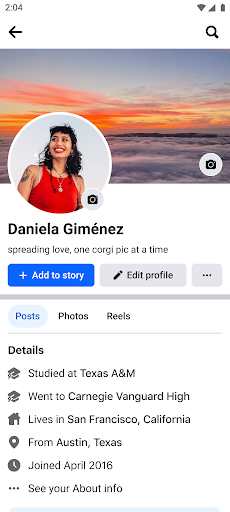
4. Your personal information, photos, activity records, collections, etc. can be viewed and modified at any time in the personal interface.
Tutorial on how to connect facebook and ins
1. Open the Instagram app and enter your personal home page.
2. Click the "three horizontal lines" icon in the upper right corner, and then select Settings.
3. Select Account Management Center in the settings menu.
4. In the Account Management Center, click Account and Home Page to enter.
5. Select Add Account and follow the prompts to log in to your Facebook account.
6. After successfully logging in, you can choose whether to publish to Facebook.
7. When posting dynamic posts on Instagram, you can directly choose whether to synchronize them to Facebook.