
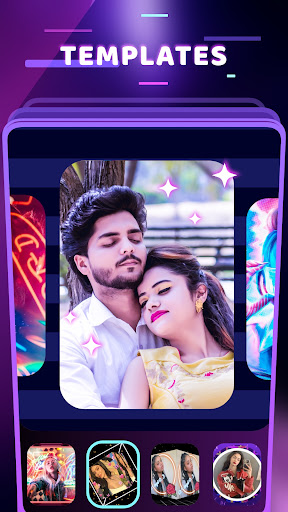
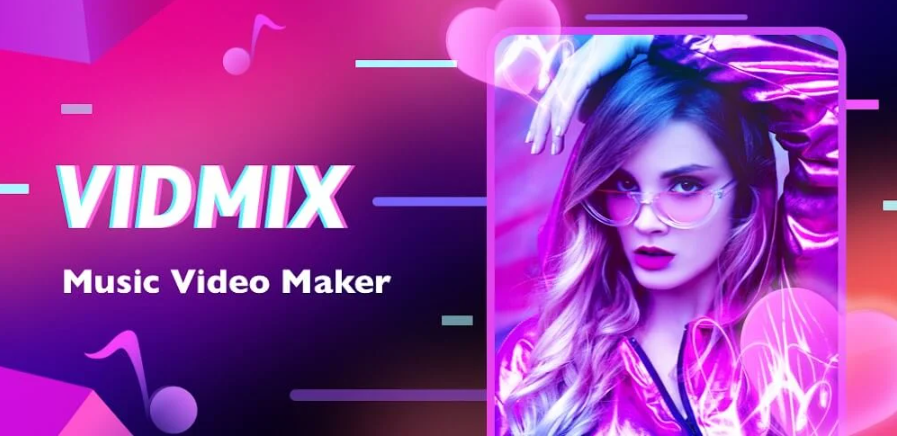
VIDMIX is a relatively easy -to -use video editing tool. It provides rich video editing functions that can meet the needs of users. From importing video editing to matching with background music, to adding various styles and font texts, vidmix can be easily cope. In addition, it also provides a variety of popular video production themes and templates, which can easily make their own video works.
Is vidmix easy to use?
VIDMIX is a relatively easy -to -use video editing tool. It provides rich video editing functions that can meet the needs of users. From importing video editing to matching with background music, to adding various styles and font texts, vidmix can be easily cope. In addition, it also provides a variety of popular video production themes and templates, which can easily make their own video works.
At the same time, the interface design of Vidmix is relatively simple, functional and easy to get started, which allows users who are beginners or have some experience. They can easily use it to make satisfactory video works.
However, whether it is easy to use is also related to personal needs and habits. Some users may prefer other video editing software or have higher requirements for certain specific functions. Therefore, when evaluating whether a software is easy to use, it is recommended that users try to use them first and make judgments in accordance with their actual needs and experiences.
Is VIDMIX free?
Yes, vidmix is a free video editing tool. It is complete and practical, which can meet the needs of users' short video editing. In VIDMIX, users can get a lot of music for free for editing videos to make them more popular and interesting. In addition, users can divide the video into several parts and merge pictures in the gallery. In short, vidmix is a powerful and easy -to -use video editing software.
Please note that although vidmix itself is free, some advanced functions or specific materials may need to pay. Before use, it is recommended to check the instructions in its official website or application to obtain the most accurate information.
Special Features:
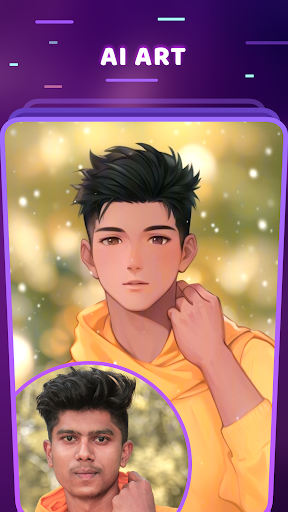
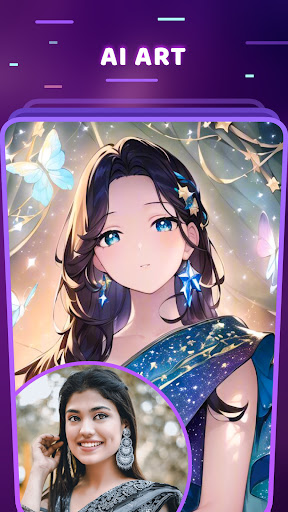
AI art generator for MV making
Hundreds of high-quality filters to meet users’ different requirements;
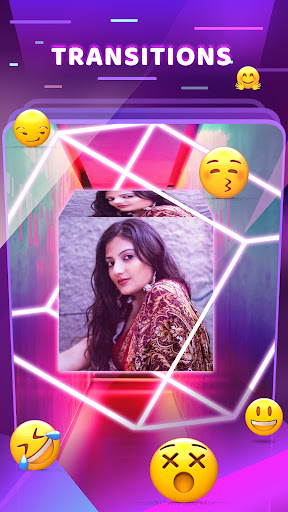
Special transition effects make your video unique;
Multiple shots supported, and switch filters freely as you wish;
Stylish face stickers;
Wide Screen mode;
Share your creative photos/videos on Facebook, Instagram