
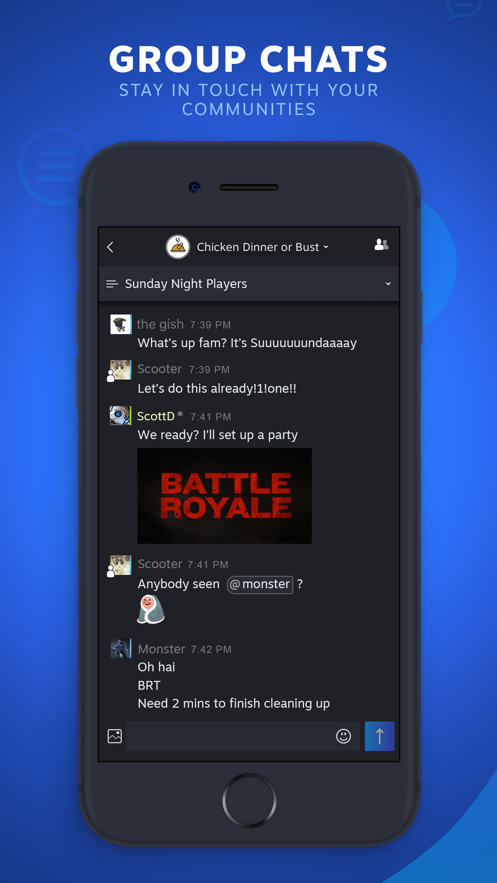
Steam Chat is a mobile app that allows you to chat and interact with your Steam friends anytime, anywhere, join various interesting groups, and share your gaming experience with online voice communication, Steam Chat makes communication easier!

About the app
Take your Steam friends, groups, and conversations with you wherever you go.
The Steam Chat app includes many key features of the desktop Steam client chat
Software Features
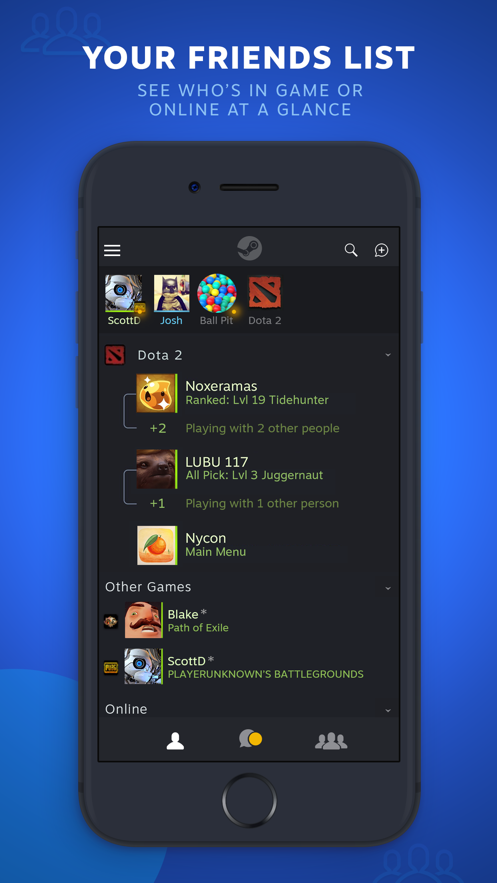
Friends List - See who's in game or online at a glance. You'll see your custom categories and favorites bar just like you can on You'll see your custom categories and favorites bar just like you can on your PC.
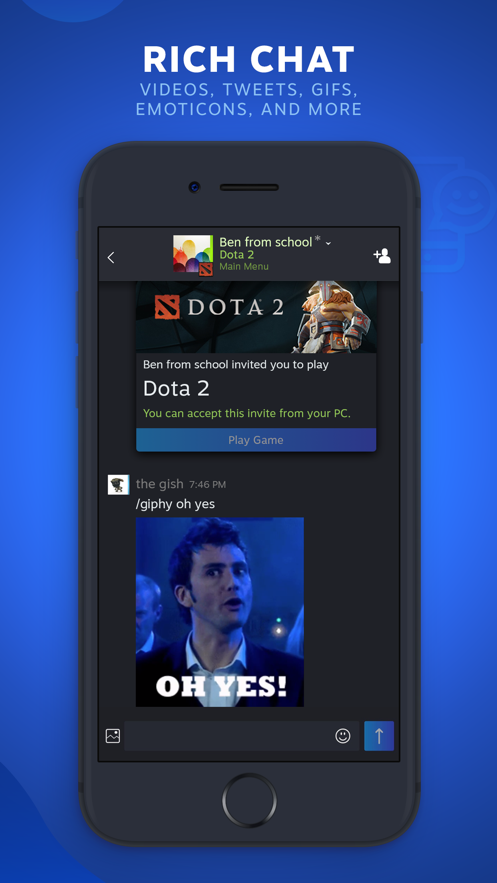
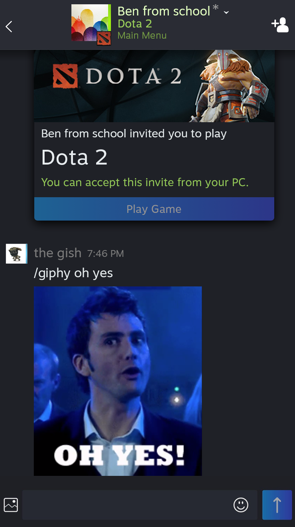
Rich Chat - Your chats get even better with higher fidelity links, videos, tweets, GIFs, Giphy, Steam emoticons, and more.
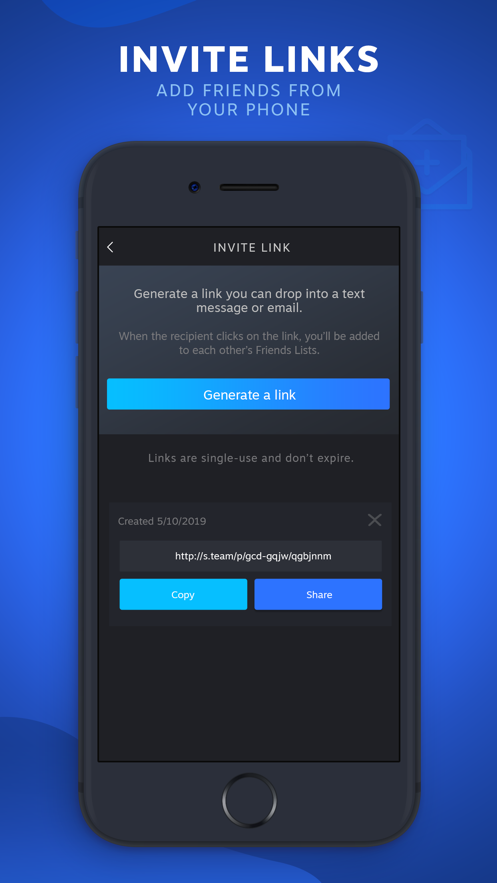
Invite Links - Add new friends on Steam with a link. Generate an invite link you can text or email.
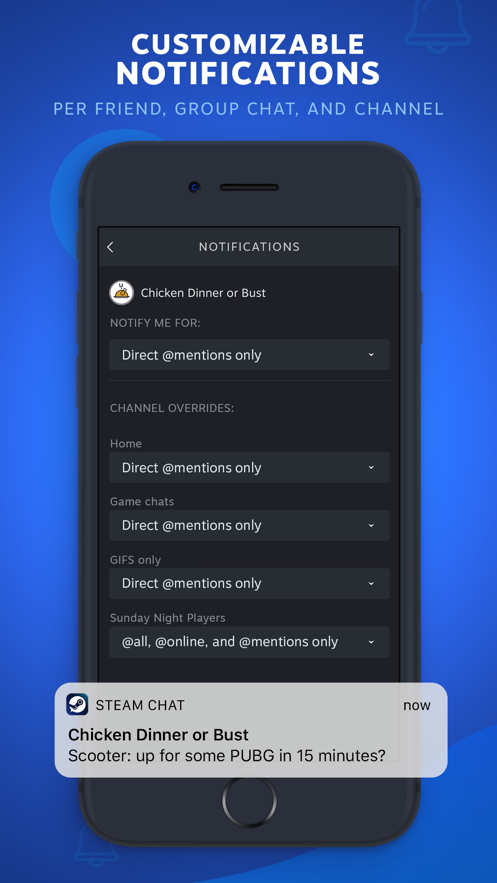
Customizable Notifications - Mobile notifications mean you'll never miss a message or game invite. You can customize your notifications You can customize your notifications per friend, group chat, and chat channel.
Group Chats - Get everyone on the same page. Groups make it easier to do things like stay in touch with your communities and organize game night with your best friends. Groups make it easier to do things like stay in touch with your communities and organize game night with your best friends.
Software Benefits
Click the Settings option on the Steam drop-down menu.
Open the window and click on the Interface option on the left.
Click the Language drop-down box on the page and select Simplified Chinese.
After confirming, a restart window will pop up. Click the button to restart the application.

Updates
- Added support for message reactions
- Other minor bug fixes and performance improvements