
The Gmail email appis a must-have email tool for mobile phones. It is very practical for both work and life, as well as email communication. You can send and receive emails anytime, anywhere, and transfer attachments quickly. Its functions are very powerful, making it a must-have email tool for mobile phones!
Software introduction
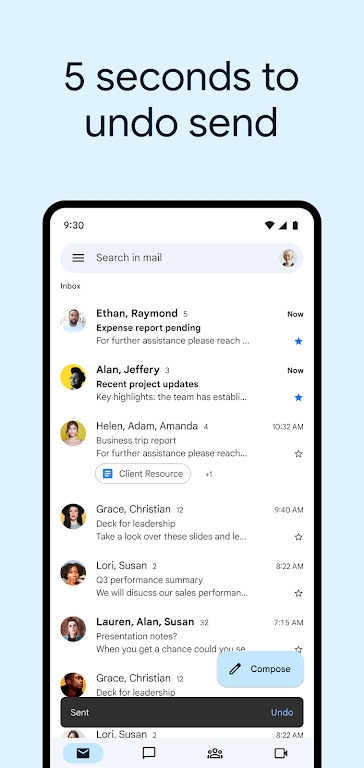
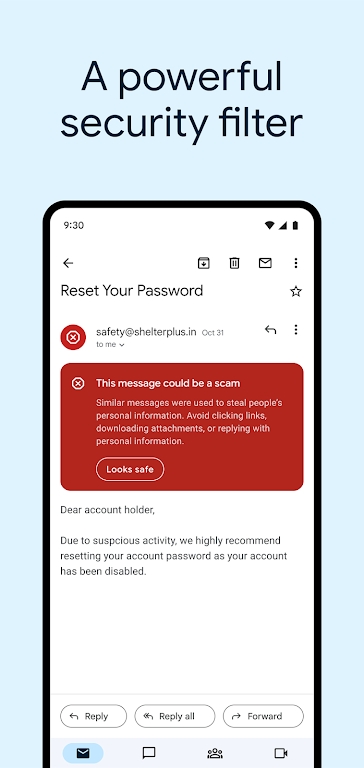
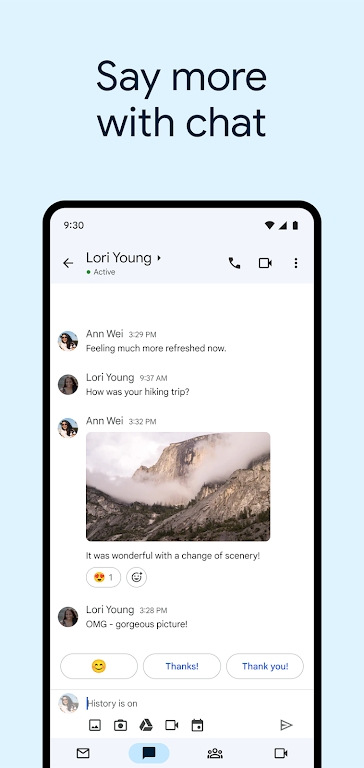
Gmail mobile version is an Android email application launched by Google, which can provide you with the best email experience. The software has strong security, real-time notifications, multi account support, and is suitable for all visible searches. It can not only prevent over 99.9% of spam, phishing, malware, and dangerous links from reaching your inbox, but also undo sending to prevent embarrassing errors. Moreover, Gmail is now fully integrated with Google Chat. In addition, the software also integrates online email sending and receiving functions, which also includes online communication functions, making your communication with friends, colleagues, and customers faster. In addition, you can also contact colleagues through Google Meet or Google Chat, send invitations in the calendar, add operations to your task list, and so on, without leaving Gmail. You can also bind third-party email for use, making it a very powerful email software, Interested friends, come download and experience it now.
Software function
-Switching between multiple accounts
-Cancel sending emails to avoid embarrassing errors
-Quick search for emails (the system will instantly display search results, and can also display associative queries and provide spelling suggestions when you enter)
-Quickly obtain new email notifications through notification centers, new email flags, and lock screen options
-Reading emails in a conversational manner
-Swipe to archive/delete emails for quick cleaning of inbox
Software features
1. Automatically prevent over 99.9% of spam, phishing, malware, and dangerous links from reaching your inbox;
2. Cancel sending to prevent embarrassing errors;
3. Open Google Chat to connect, create, and collaborate with others;
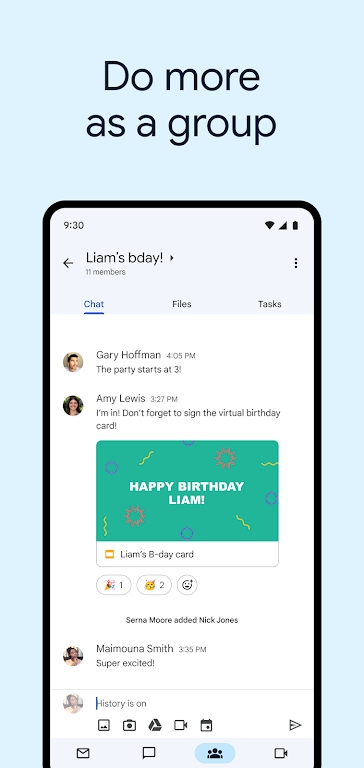
4. Complete more work as a group in Spaces - a place dedicated to organizing personnel, themes, and projects;
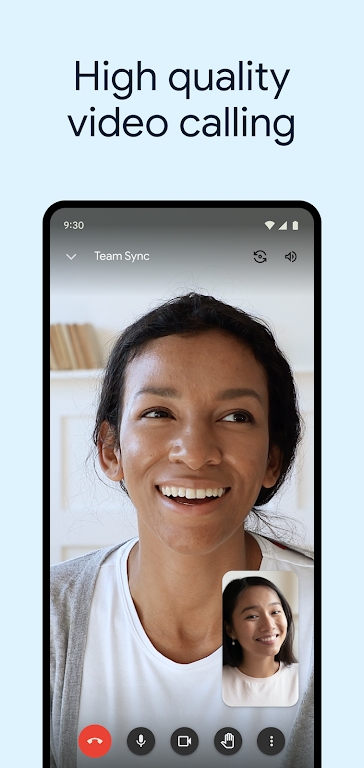
5. Enjoy high-quality video calls through Google Meet;
6. Use intelligent reply suggestions to quickly reply to emails;
7. Switch between multiple accounts;
8. Quickly receive new email notifications using the notification center, badge, and lock screen options;
9. Search your emails faster through instant results, typing predictions, and spelling suggestions;
10. Organize your emails by tagging, starring, deleting, and reporting spam emails;
11. Swipe save/delete to quickly clean up your inbox;
12. Read your email through threaded conversations;
13. Automatically complete the contact name when you enter your Google contacts or phone;
14. Reply directly to the Google Calendar invitation in the application.