
MintCut - Make Ringtones and Edit Audio on Your Phone
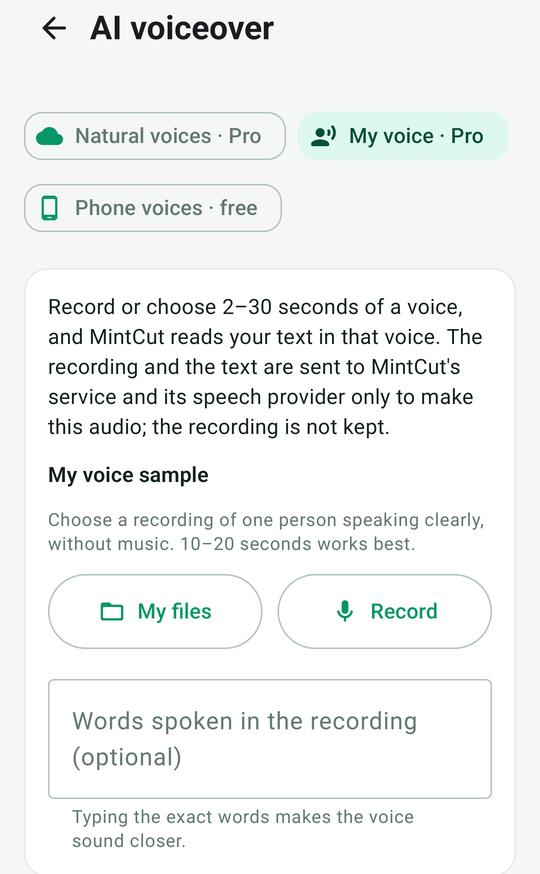
Short version: MintCut lets you pick the part of a recording you like, trim it, and use it as a ringtone. It is an Android app, version 1.0.10, and basic editing is free.
At a glance
- Package: com.mintcut.audio
- Version: 1.0.10 (build 11)
- Needs: Android 8.0 or higher
- Size: about 108 MB
- Price: free core editing, optional Pro through Google Play
Making a ringtone, step by step
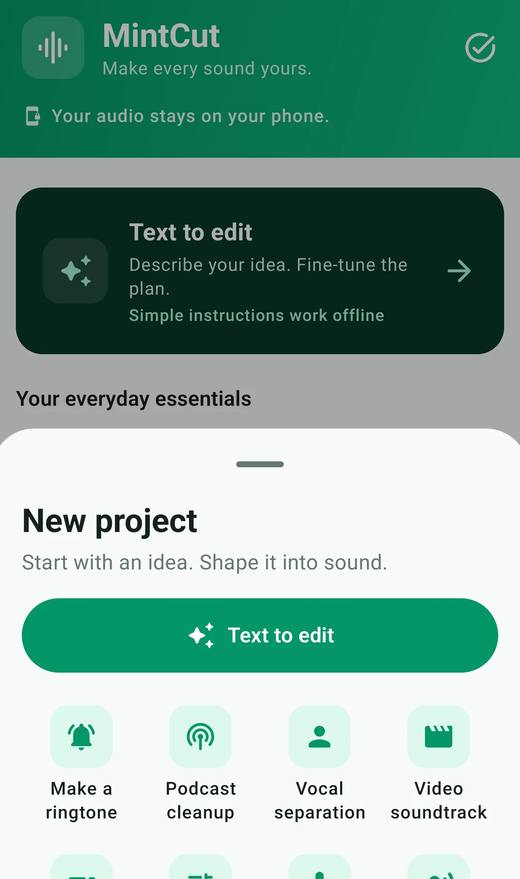
- Pick Make a ringtone from the new project menu and open a song or recording.
- Drag over the waveform to mark the part you want. Zoom in for exact times.
- Add a fade in and fade out so the clip does not start or end abruptly.
- Export, then choose to use it as the phone ringtone, alarm or notification sound.
Sounds to start from
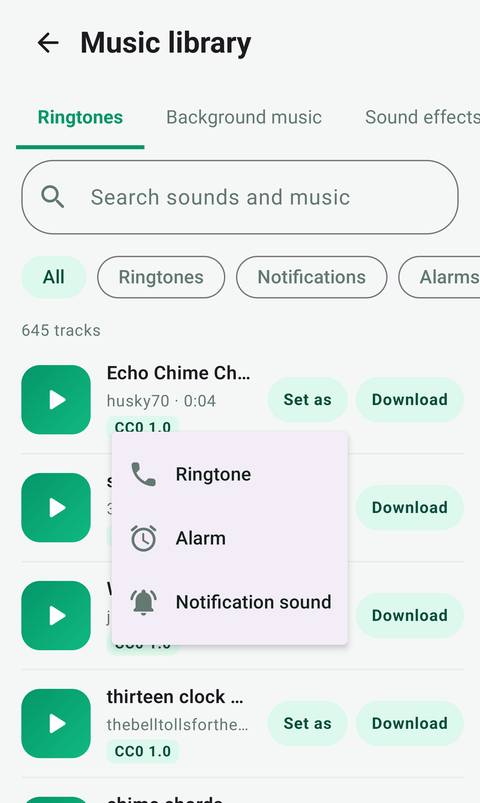
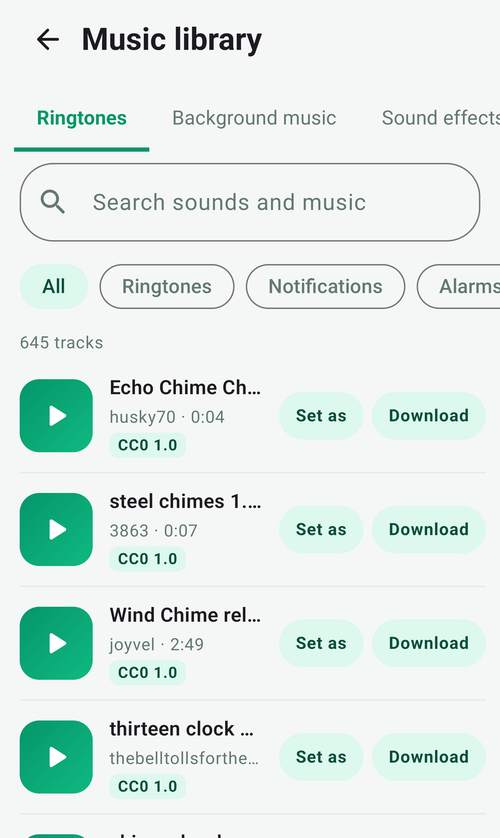
If you have nothing to cut, the app has an online library of sound effects, ringtones and background music. Tracks are released under CC0, public-domain or CC BY terms, and the licence and credit are shown with each one.
Other tools in the same app
Join clips, mix several tracks, pull the audio out of a video, change speed and pitch, and convert between MP3, M4A, AAC, WAV, FLAC and OGG. Version 1.0.10 also adds My voice, a Pro option that reads your text in a voice from a short sample. It needs the speaker's consent, and the result is labelled as a synthetic voice.
Video Demo
Update log
Related Articles
 How Many Hours Does It Take to Finish Grand Theft Auto 6?Nov 29, 2026
 This Guide Explains How to Unlock Hurricanes in Grand Theft Auto 6.Nov 29, 2026
 Learn how to remove advanced trackers in Grand Theft Auto 6.Nov 29, 2026
 Learn how to unlock the Key Cloner in Grand Theft Auto 6.Nov 29, 2026
 Discover how to find the Skunkape in Grand Theft Auto 6.Nov 29, 2026
 Identity V codes for November 2026 are now available.Nov 29, 2026
MintCut - Make Ringtones and Edit Audio on Your Phone
Nov 29, 2026 / Download
Lightleap APK + MOD (Pro Unlocked) 1.4.1
Nov 27, 2026 / 124MBDownload
Kick APK 39.1.18
Nov 24, 2026 / 51MBDownload
Remote Control for TV - All TV apk 1.0.52
Nov 24, 2026 / 49.66MDownload
Viki: Asian Dramas & Movies 6.9.2
Nov 24, 2026 / 10 MBDownload
Paramount+ app 15.0.16
Nov 24, 2026 / 48.97MDownload
Music Holic-Offline Music apk 1.3.7
Jul 22, 2024 / 68.28MDownload
ZoZo Player - URL Video Player 2.0.2
Jul 12, 2024 / 10 MBDownload
tube video downloader for all apk 2.8
Jul 11, 2024 / 76 MBDownload
CH3Plus free apk 4.68.0
Jul 11, 2024 / 64 MBDownload