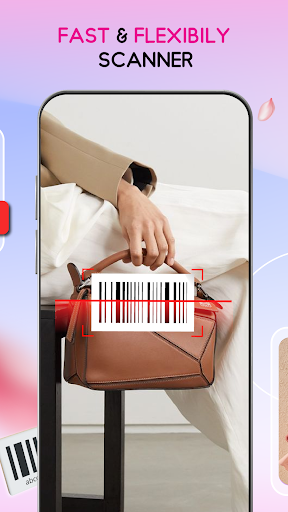
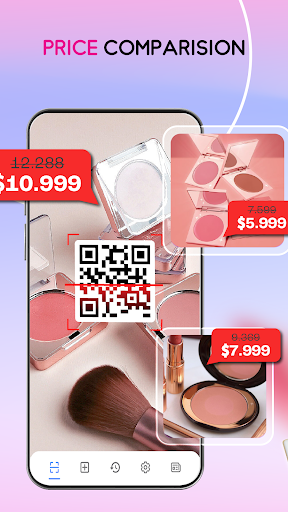
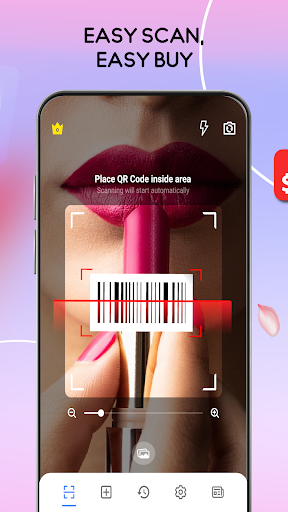
QR Scanner is a powerful QR code scanner software that supports a variety of operating systems, including Android and Windows. It supports all common QR codes and barcodes, such as QR, Data Matrix, Aztec, UPC, EAN, CODE 39, etc. Users can use it to easily open the URL, connect to WiFi hotspots, add calendar events, read electronic business cards, find products and price information, etc. In addition, QR Scanner also has a built -in QR QR code generator. Users can display any data (such as website links) on the screen by QR QR code. Other devices can obtain information after scanning the code to facilitate users to share data data Essence

How to use QR Scanner software?
Identify the QR code in the screen: Open the QR Scanner software and click the scanning screen QR code button. The software will automatically minimize and detect whether there is a QR code in the current screen. After finding, it will be identified.
By opening a picture with a QR code to identify: If there is a QR code picture in the user's computer, you can directly use the QR Scanner software to open the picture to identify.
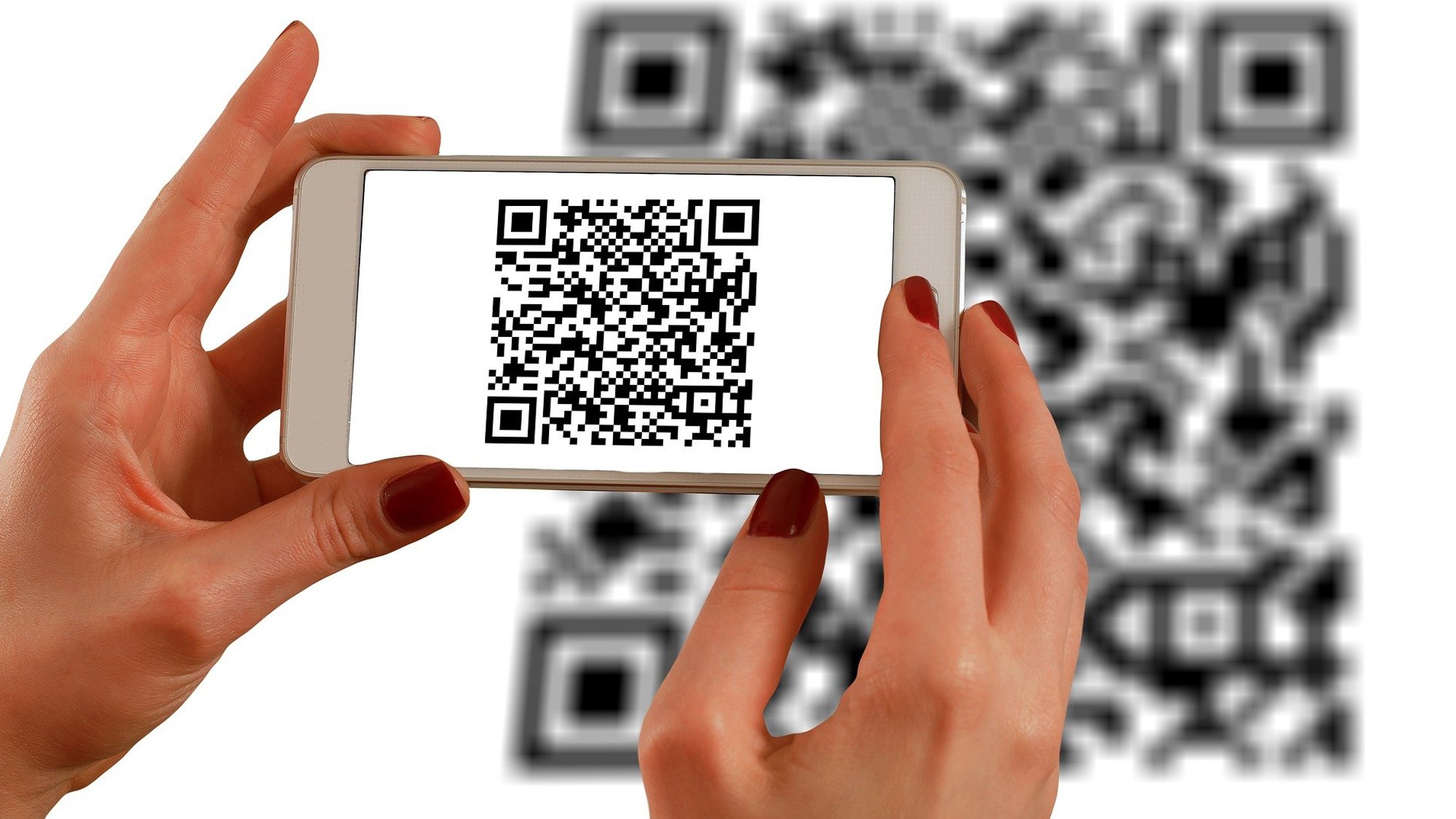
Open the camera to identify the QR code: Open the camera function in the software, and identify the QR code to be scanned.
Generate QR code: Use QR Scanner to built -in QR code generator, enter the data you need to share (such as website links), and then generate the corresponding QR code.
Is QR Scanner software free?
Regarding whether QR Scanner software is free, this depends on the specific version and release channels. Some versions may be free, but there may also be a fee version or provide additional paid services. It is recommended that users go to official channels or app stores to inquire about the latest pricing information.
QR Scanner software function
Scanning and recognition: Support scanning and identification of various common QR codes and barcodes, such as QR, Data Matrix, Aztec, etc.
Quick visit: By scanning the QR code, users can quickly open the URL, connect to WIFI hotspots, and add calendar events.
Data sharing: Built -in QR code generator, users can share any data in the form of QR codes with other devices.
Flash and scaling function: In a darker environment, you can activate the flash for more reliable scanning; use the double finger zoom function to scan the strip code from a long distance.
Security: The Chrome Custom Tabs feature of Google Safe Broning technology is used to protect user devices and avoid harm to malicious junk links.