
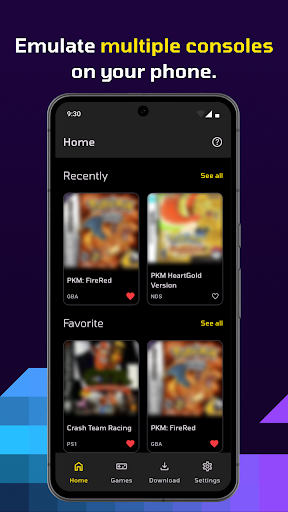
GBA simulator (such as VisualBoyAdvance, My Boy!, Etc.) is a powerful simulator software, which aims to simulate the operating environment of the GBA game console. Through software debugging, the performance is as close to the performance of the game console as possible, so it can be read that can be read. And running games specially designed for GBA game consoles.
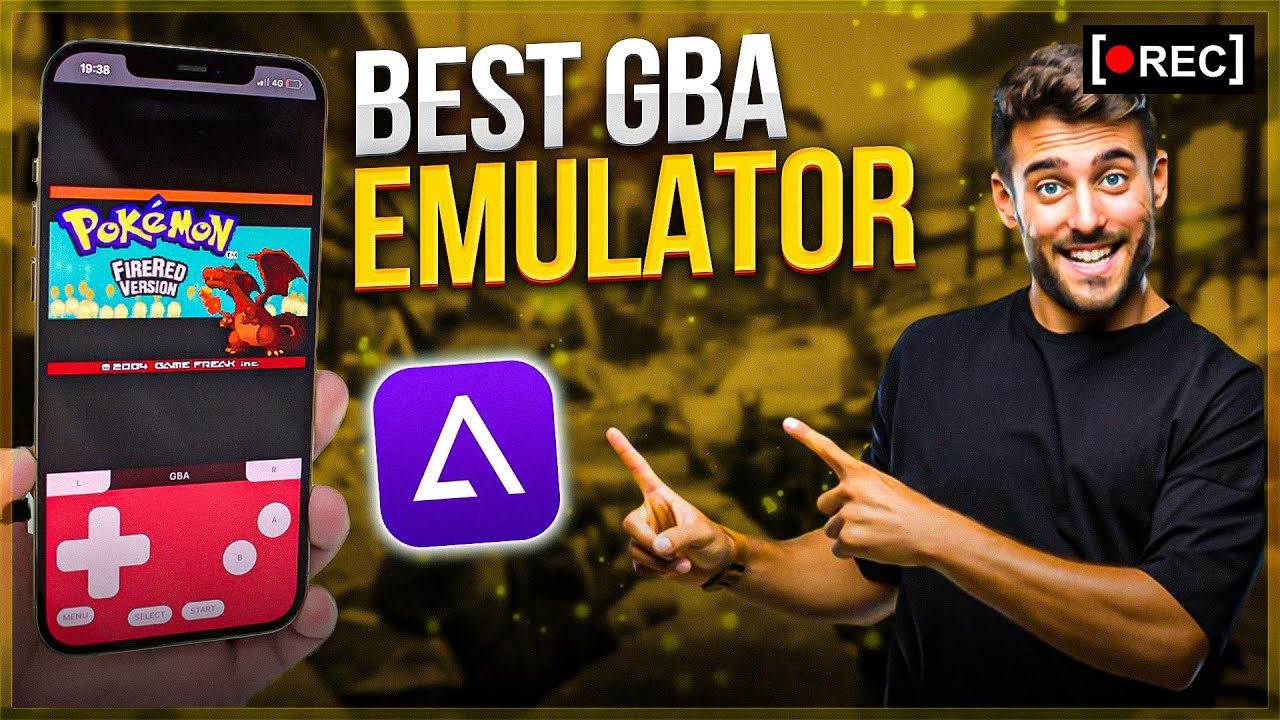
Is the software easy to use?
GBA simulator is usually considered very useful software, especially for those who like GBA games. They provide rich features and excellent game compatibility, allowing players to relive classic GBA games on various platforms.
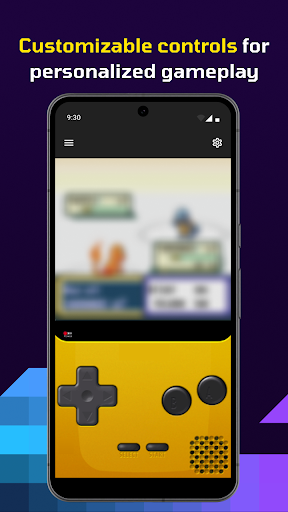
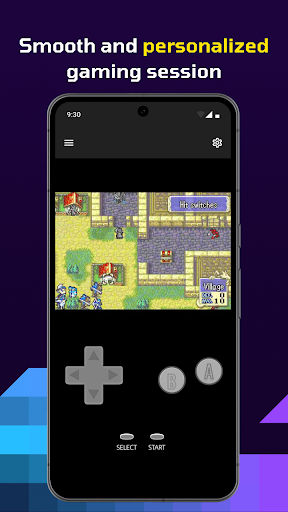
In addition, some simulators are highly customized, allowing players to adjust the game settings and interface layout according to their preference.
Is the software free?
Most GBA simulator software is free, and users can download and use freely. However, it should be noted that some simulators may include advertising or provide paid versions to provide more functions. When choosing to use, it is recommended to carefully read the terms of the software and privacy policies.
Core functions:
Excellent game compatibility: can run a large number of GBA games and maintain good performance and stability.
Quick archive and fast progress: allow players to save the game progress at any time and accelerate the game process through fast -forwarding function.
Screen layout editor: allow players to adjust the game interface and screen layout according to their preference.
Game sound recording: Support recording game sounds, which is convenient for players to save and share.
Advanced BIOS simulation: Adopt high -level BIOS simulation technology, no additional BIOS file support is required.
Cross -platform support: support a variety of platforms (such as Windows, Mac OS, Android, etc.), which is convenient for players to use on different devices.