

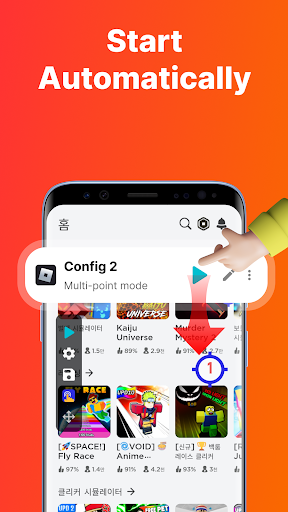
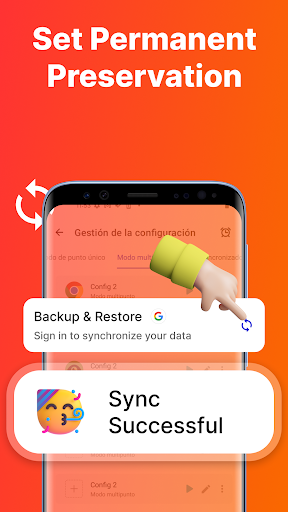
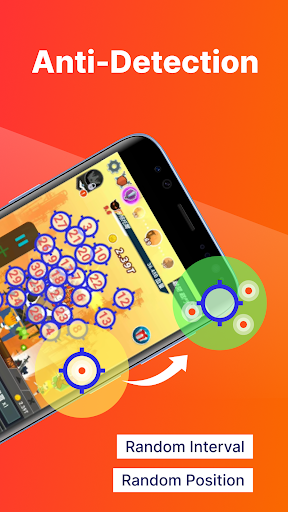
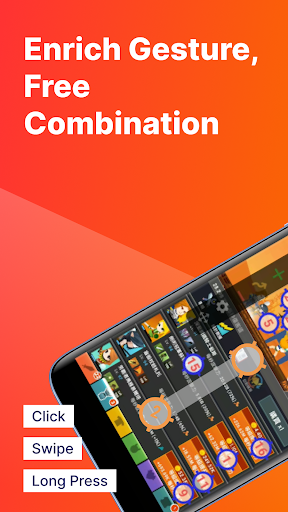
Auto Clic is an open source automated clicking tool, which aims to help users realize automatic mouse clicks. AUTO CLICK provides convenience for the scene that requires a long time to repeat or complex operation. It is mainly based on Python programming language and uses its strong library support and simple grammar characteristics. The core function is implemented by simulating the mouse's click -through action. It is mainly due to the Pyautogui library. This is a graphical interface interface automation API that can locate the mouse movement, click and other operations. In addition, AUTO CLICK may also use the Keyboard library to handle keyboard events to increase user interactive experience.
How to use Auto click?
Select the right software version: Select the right version according to your operating system, Windows users can download and install the software from the link provided, and Android users can download it at Google Play or other app store.
Download and install: Download the automatic click device software and install it according to the installation instructions provided. Make sure your computer is safe to avoid downloading to malware.
Open the software: After the installation is completed, start the Auto Click software.
Set the click parameter: Most automatic clickers software allows you to set the location, frequency, and quantity of the click. You can specify the screen coordinates you want to click, set the interval time, and specify the number of clicks or duration.
Test and adjustment: Before actual application, perform some tests to ensure that the setting of the automatic clicker meets your expectations. You may need to adjust the frequency and location of the click to ensure that it performs well in a specific situation.
Start click: After everything is ready, start Auto Clic, which will start simulating mouse clicks. During the automatic click process, make sure that the mouse moves to a safe position to avoid errors. If you need to stop automatically, you can click the "Stop" button at any time or press the hot key.
Is auto click free?
Whether the Auto Click software is free depends on the versions and sources you choose. Some versions may be free, and some may be charged. In addition, some open source versions of Auto click can be used for free use by contributing code.
AUTO CLICK core function:
The core function of Auto Click is to simulate the user's finger clicks. By simulating the mouse clicks, Auto CLICK can automatically complete some tasks that need to be repeated or complex operations for a long time. In addition, Auto CLICK also supports multi -touch, which can handle multiple click events at the same time to achieve multi -touch operations similar to real fingers. At the same time, it also supports timing task scheduling, which can set regular trigger clicks to achieve automated operations. The user interface is simple and easy to use, and users can easily configure parameters such as click speed and position.