
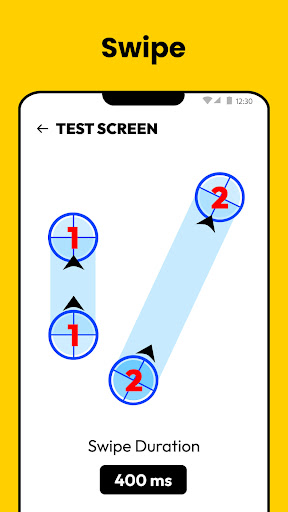
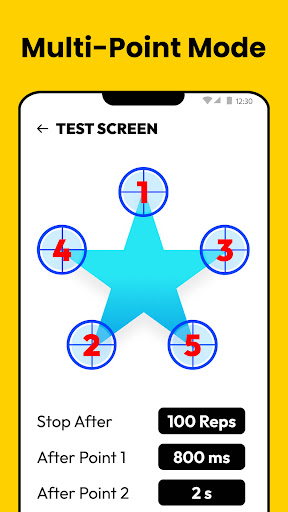
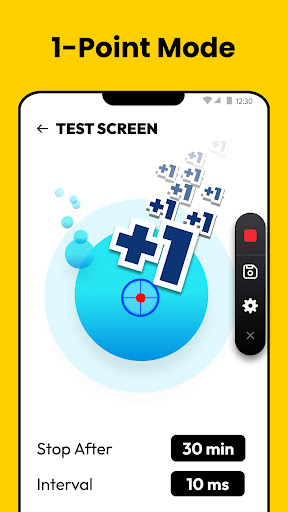
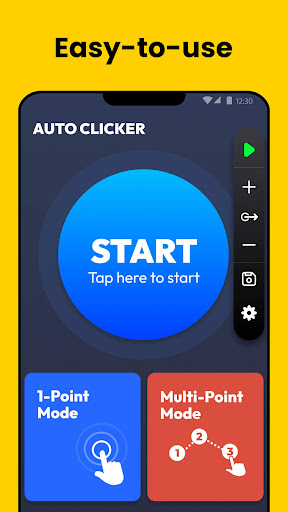
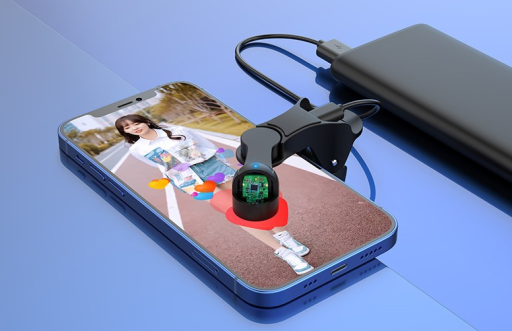
Auto Tapper is an automated clicking tool, which is mainly used to simulate clicks and touch operations on the screen. It is usually used in games, application testing and other scenarios to help users automatically perform some repetitive click -through tasks, thereby saving time and energy. Auto Tapper can customize parameters such as clicking position, frequency, duration to meet the needs of different users.
How to use Auto Tapper?
Download and install Auto Tapper: First of all, you need to download the Auto Tapper software from a reliable source and install it according to the installation wizard.
Open Auto Tapper: After the installation is complete, open the Auto Tapper software.
Set the click Parameter: In Auto Tapper, you can set parameters such as the location, frequency, and length of the click. You can determine the click position by manually input coordinates or use screen selection tools. At the same time, you can also set the interval time and the length of the clicks.
Start click: After setting the parameters, click the button, Auto Tapper will automatically perform the click operation according to the parameters you set.
Stop click: When you want to stop clicking, you can click the stop button or press the set hot key to terminate the operation.
Is Auto Tapper free?
Whether Auto Tapper software depends free of versions and sources you use. Some versions may be free, but the functions may be limited or include advertising. Some versions may be charged, but provide more functions and better user experience. You can choose the right version according to your needs.
Auto Tapper Core Function:
The core function of Auto Tapper is to simulate the click and touch operation on the screen. It can automatically perform the click -on task according to the parameters set by the user, including single click, multi -touch, sliding, etc. In addition, Auto Tapper also supports high -level functions such as cycle clicks and time -clicking, which can meet more complex automated needs. These features make Auto Tapper become a powerful assistant for users such as gamers and application developers.