
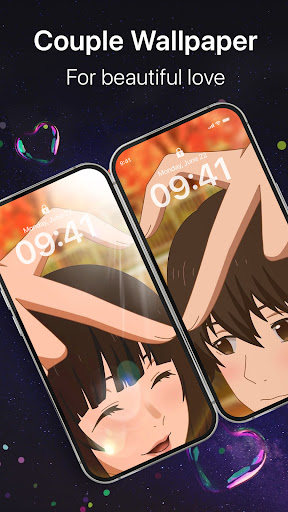
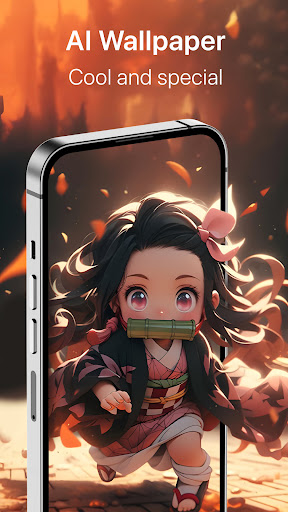
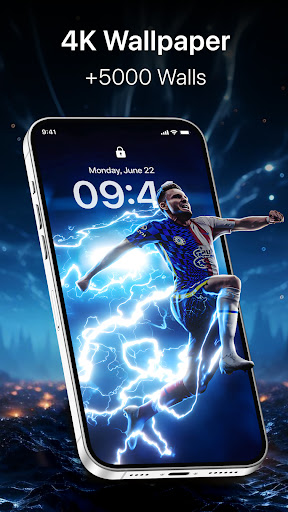
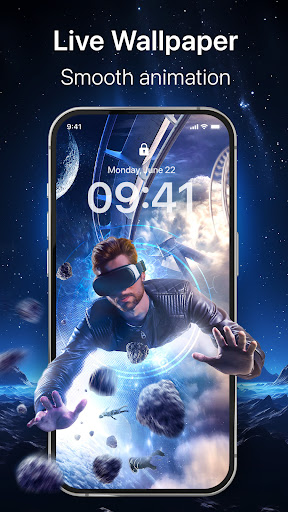
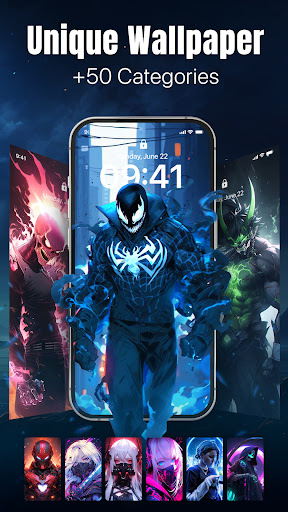
Live Wallpaper is a dynamic wallpaper software that can display dynamic and interactive wallpapers on mobile devices or computer screens. The software provides a variety of dynamic effects, such as flowing water, falling petals, twinkling stars, etc., to make the screen more vivid and interesting. At the same time, Live Wallpaper also supports users to interact with dynamic wallpapers by touching the screen, tilting the device, or using gestures, such as changing animation speed, switching backgrounds, adjusting effects, etc.

How to use Live Wallpaper?
Download and Installation: First, download the Live Wallpaper software from a reliable source and follow the prompts to install it.
Start the software: After the installation is complete, start the Live Wallpaper software.
Select wallpaper: In the software interface, browse and select the dynamic wallpaper you like. Live Wallpaper provides a variety of theme and wallpaper options, such as natural scenery, abstract art, anime characters, etc., to meet the preferences and needs of different users.
Custom settings: You can customize the selected wallpaper according to your personal preferences. This includes adjusting animation speed, transparency, sound effects, and more to create unique wallpaper effects.
Apply wallpaper: After completing the setup, apply the selected wallpaper to your device screen. For mobile devices, this usually means setting it as the device's lock screen or home screen wallpaper; for computers, you can set it as your desktop wallpaper.
Is Live Wallpaper free?
The Live Wallpaper software itself may be free, but whether there is a fee depends on the version and provider. Some versions of Live Wallpaper may offer basic features for free use, but advanced features or specific wallpapers may require payment. Therefore, before downloading and using it, be sure to check the official description of the software or contact the provider for more accurate information.
Live Wallpaper core features:
Dynamic effects: Provides a variety of dynamic wallpaper effects, such as flowing water, falling petals, etc., to make the screen more vivid and interesting.
Interactivity: Support users to interact with dynamic wallpapers, such as changing animation speed, switching backgrounds, etc., to increase the fun of use.
Diversified resources: Provides a variety of theme and wallpaper options to meet the preferences and needs of different users.
Custom settings: Allows users to adjust the animation speed, transparency, sound effects and other settings of the wallpaper according to personal preferences to create unique wallpaper effects.
Save power: Compared with applications that always run in the background, Live Wallpaper automatically stops playing animations when it is inactive, thus saving the device's power consumption.