
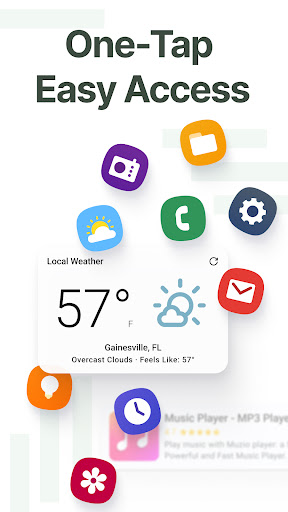
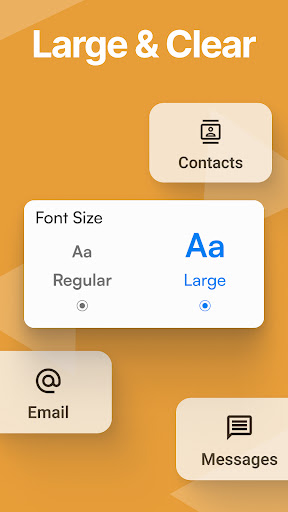
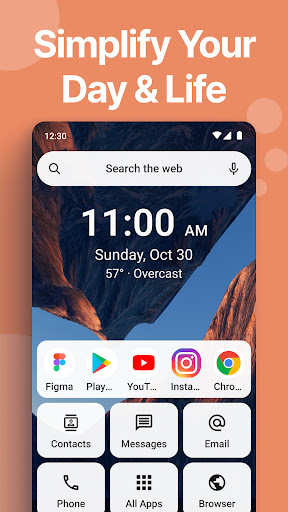

Easy Homescreen is a desktop management software for Android devices, designed to help users easily customize and manage the home screen of their mobile phones or tablets. The software provides an intuitive and easy-to-use interface and rich customization options, allowing users to personalize their mobile desktop according to their preferences and needs.
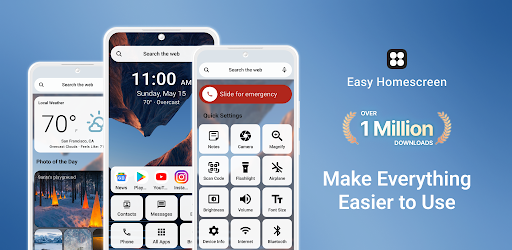
How to use Easy Homescreen?
Download and install: Search for "Easy Homescreen" in the app store of your Android device, download and install it on your phone.
Launch the app: After the installation is complete, click the app icon to launch Easy Homescreen.
Customize the desktop:
Add icons and shortcuts: Users can select the application icons and shortcuts to be added to the desktop from the application list and freely adjust their position and size.
Create folders: For easy management, users can classify similar applications or shortcuts into the same folder.
Change wallpaper: Easy Homescreen supports changing desktop wallpapers. Users can select photos from the album or download wallpapers online.
Set desktop layout: Users can choose different desktop layouts, such as grid layout, list layout, etc., to meet different usage habits.
Save settings: After completing the customization settings, users only need to click the Save or Apply button to apply the current desktop layout to the mobile phone home screen.
Is Easy Homescreen free?
Easy Homescreen software itself is free, but may include some paid additional features or themes. Users can choose whether to purchase these additional contents according to their needs.
Easy Homescreen core functions:
Desktop customization: Users can freely add, move and delete application icons, shortcuts, folders, etc. to create a personalized mobile phone desktop.
Wallpaper replacement: Supports selecting photos from the album or downloading wallpapers online to make the desktop more beautiful.
Layout adjustment: Provides a variety of desktop layout options to meet the usage habits of different users.
Quick operation: Users can add commonly used shortcut operations on the desktop, such as one-click memory cleaning, quick application opening, etc., to improve usage efficiency.
Theme support (may be paid): May include some paid themes or skins, allowing users to further personalize the mobile phone desktop.