
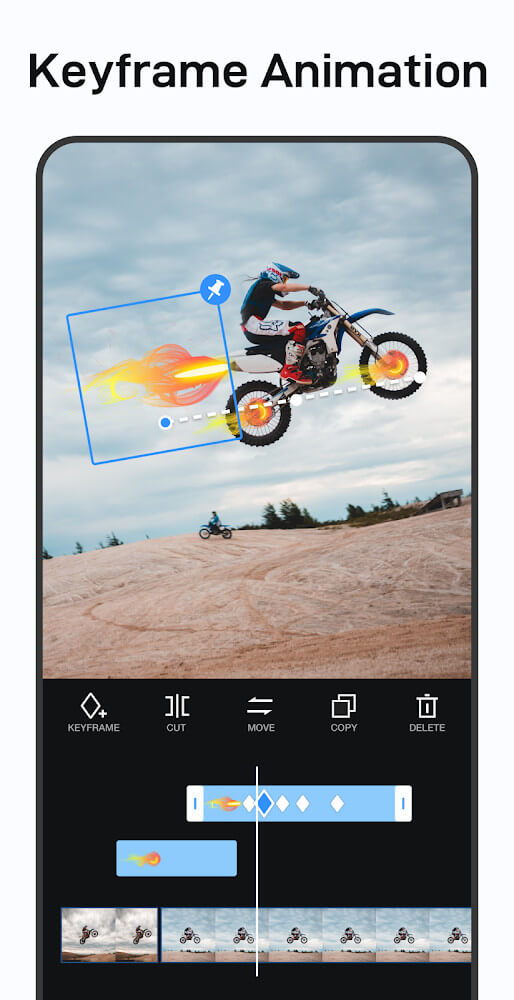
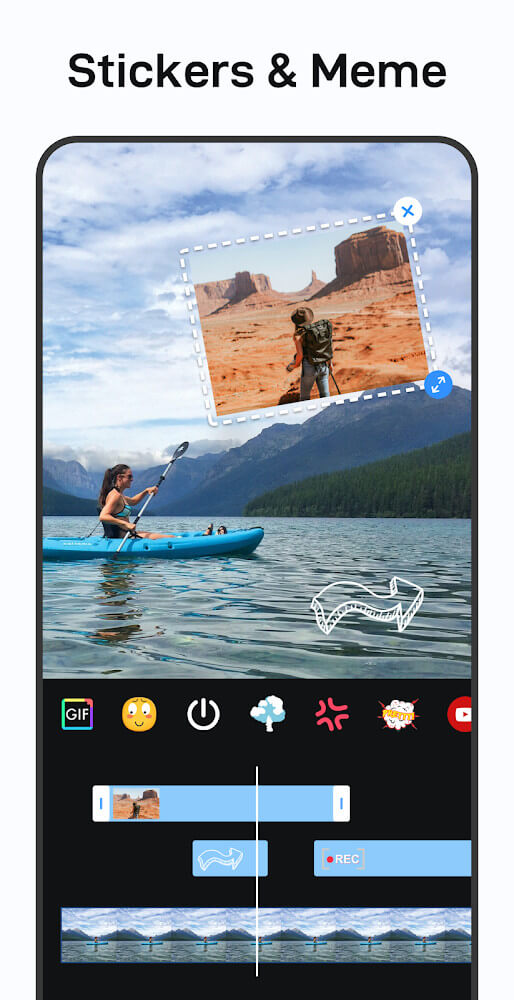
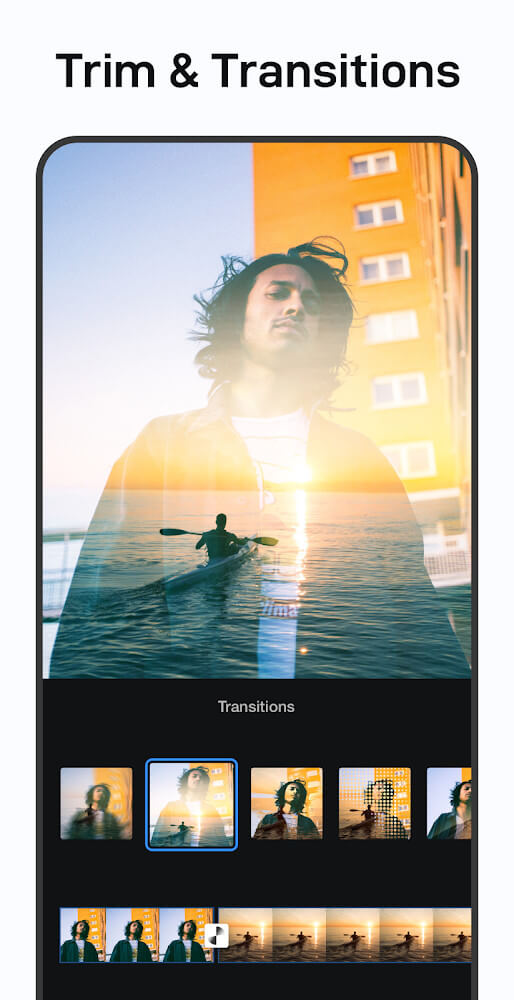
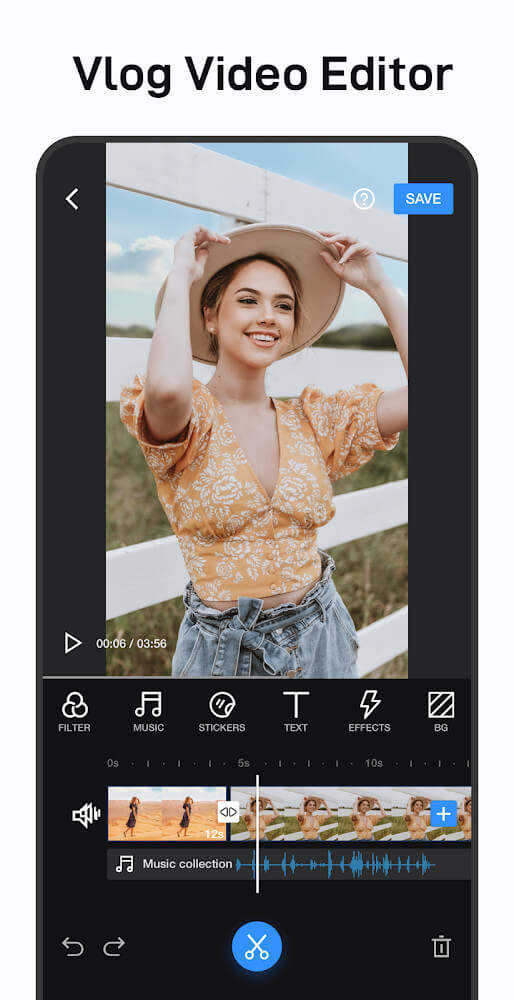
VlogU is an all-around mobile app designed for vloggers and video creators, integrating video shooting, editing and sharing. The software provides a wealth of tools and functions, allowing even beginners to easily create high-quality vlog content. VlogU is not only a powerful vlog video editor, but also has a variety of advanced functions such as music editing, audio extraction, voice recording, etc. Whether it is daily vlog or travel records, or even professional-level video creation, it can be easily completed through this application.
How to use VlogU?
Shooting: Use VlogU's built-in shooting function to record the bits and pieces of life.
Import: Import the filmed video material into VlogU.
Editing: Use the various editing tools provided by VlogU, such as clipping, merging, adding filters, sound effects, subtitles, etc. to edit and optimize the video.
Preview: After editing, preview the video effect to ensure that it meets your needs.
Export: Export the edited video, and you can choose different resolutions and formats.
Share: Share the video to major social media platforms such as YouTube, Instagram, TikTok, etc.
Is VlogU free?
The basic version of VlogU is free, and users can use most of its features without paying any fees. However, VlogU also provides paid options for advanced features or specific resources (such as advanced filters, sound effects, etc.), which usually require users to unlock them through subscription or purchase.
VlogU Features:
Powerful video editing function: supports multi-video merging, and can adjust the filters and overall picture intensity of video clips. Provides HD video export options, including 1080p, 2k and 4k resolutions.
Rich filters and special effects: Provides a series of movie-level visual effects, such as burrs, stop-motion animation, retro style, RGB, 3D, light and shadow effects, etc. Users can also freely adjust the brightness, contrast, saturation and other parameters of the video to customize personalized video filters.
Audio editing function: Built-in audio editing tools allow users to accurately trim and mix multiple audio tracks, extract original soundtracks from videos, or use songs from iTunes collections.
Text and subtitle addition: Supports adding professionally designed preset texts with different impressions and styles to enrich video content.
Social Media Sharing: Easily share your edited videos to major social media platforms such as YouTube, Instagram, TikTok, etc