PhotoDirector is a powerful photo editing software for Windows, Mac, iOS and Android platforms. The software provides a full range of photo editing tools, allowing users to easily edit and improve the appearance of photos. It also supports RAW photo editing, allowing users to directly edit the original photos taken by SLR cameras. PhotoDirector combines a user-friendly interface, allowing both novices and professionals to quickly get started.
How to use PhotoDirector?
Import photos: Users can import photos that need to be edited into PhotoDirector through the import function on the software interface.
Select editing tools: On the software interface, users can see a series of editing tools, such as cropping, adjusting colors, adding filters, etc. Select the appropriate tool for editing according to needs.
Edit: Use the selected tools to edit photos, such as adjusting color balance, adding filter effects, cropping photos, etc.
Preview effects: During the editing process, users can preview the edited effects at any time to ensure that they meet their needs.
Export photos: After editing, users can choose to export photos to a local hard drive or share them on social media platforms.
Is PhotoDirector free?
PhotoDirector provides a free basic version, but some advanced features and special effects may require users to pay or subscribe to use. The specific charges may vary depending on the platform, version and region. It is recommended that users go to the official website or app store to check for details.
PhotoDirector Features:
RAW photo editing: Supports RAW format photo editing, allowing users to directly edit the original photos taken by SLR cameras and retain more details and color information.
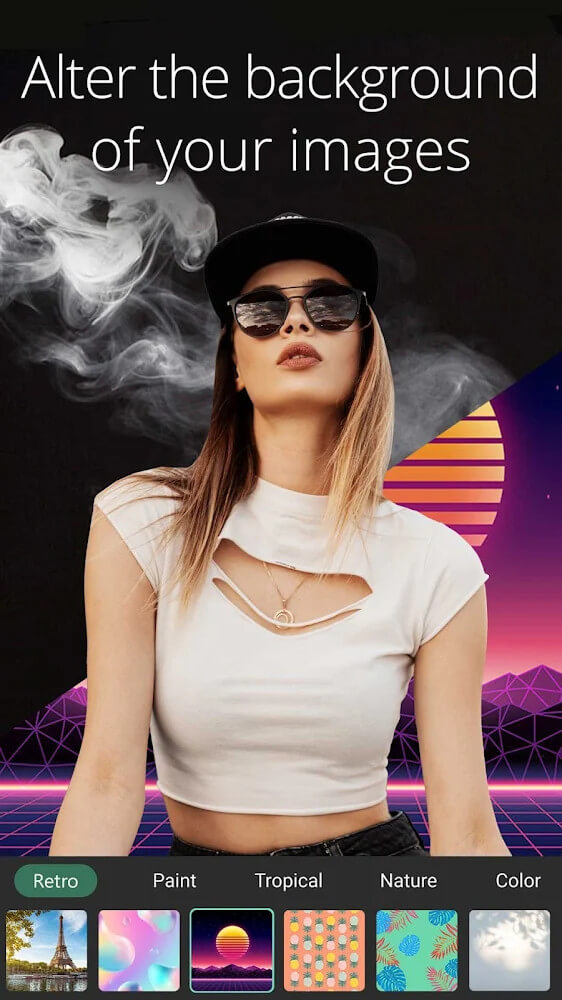
AI tools: Provide AI tools such as one-click background removal and AI sky replacement to make photo editing smarter and more efficient.
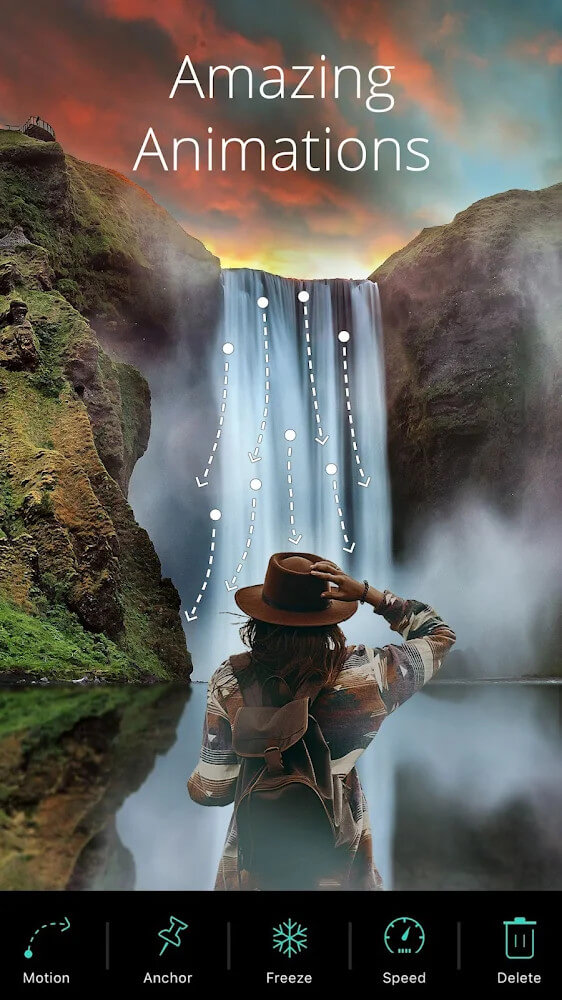
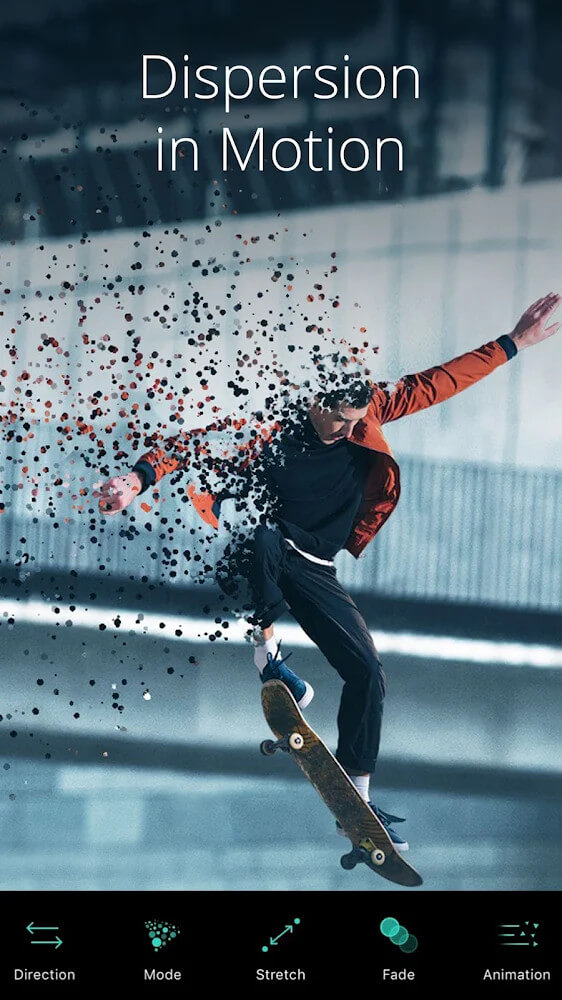
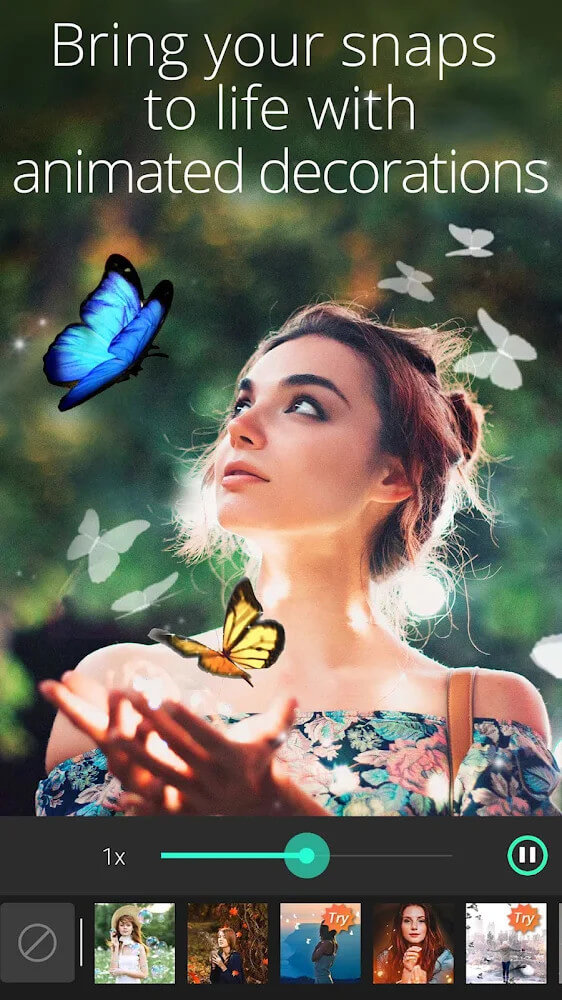
Multiple filters and special effects: Built-in multiple filters and special effects, such as HDR effects, retro style, artistic effects, etc., allow users to easily create personalized photos.
Character retouching tools: Provide character retouching tools, such as smooth skin, three-dimensional facial contours, slimming and other functions, allowing users to easily improve the appearance of character photos.
Batch processing function: Supports batch processing function, allowing users to perform the same editing operation on multiple photos at one time to improve editing efficiency.
Export high-quality photos: Supports exporting high-quality photos, including high resolution, no watermark and other options to ensure that users can share high-quality photo works.