
ShotCut is a widely acclaimed free, open source, cross-platform video editing software. It has won the warm favor of users around the world with its excellent functionality and ease of use, especially self-media novices who are new to the field of video creation. ShotCut is not only perfectly compatible with Windows, Mac and Linux operating systems, but also has become an all-round video processing tool that integrates editing, conversion and special effects processing with its built-in rich video effects, audio effects, transition effects and powerful support for multiple formats.
How to use ShotCut?
Cut video: Users can position the clips to be cut based on the timeline by adjusting the forward and backward arrows displayed below the video, and then export the required video clips.
Merge video: Users can easily splice and merge two or more videos. Just drag the video into the playlist and adjust its position on the timeline.
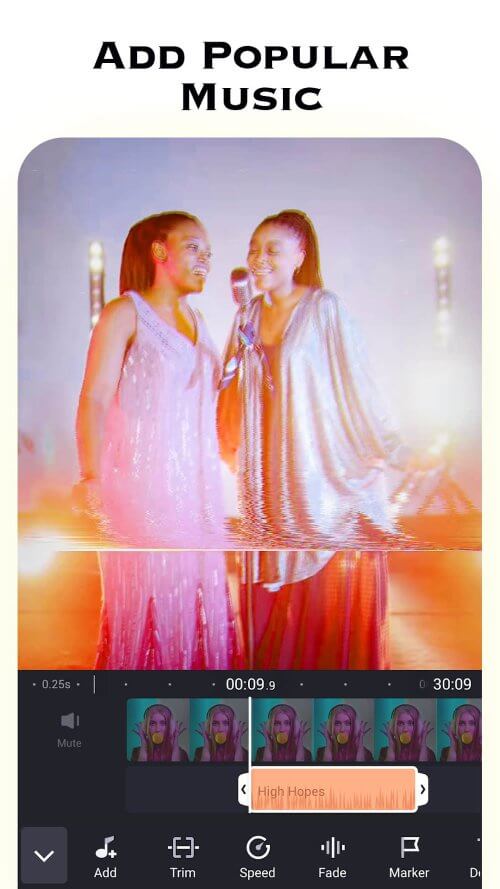
Adjust volume: Through the filter tool, users can adjust the volume of the video or music to meet different needs.
Is ShotCut free?
ShotCut is a completely free software. It not only provides powerful video editing functions, but also users can use it without paying any fees.
ShotCut Features:
Wide format support: ShotCut can directly import and edit hundreds of different video, audio and image formats without tedious pre-processing steps.
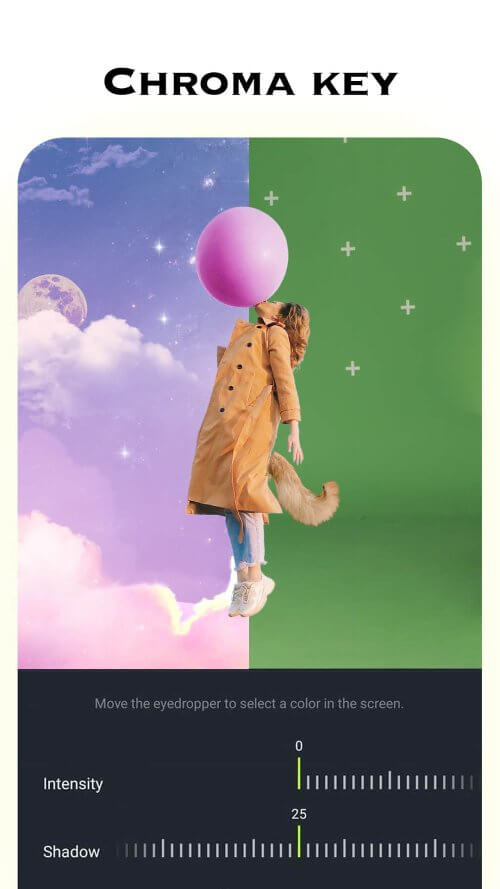
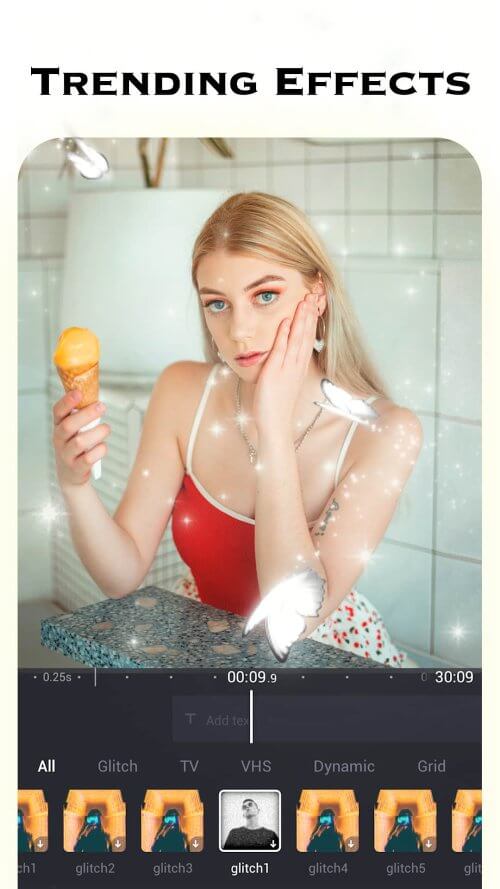
Powerful video effects: Whether it is basic brightness, contrast, saturation adjustment, or complex image processing effects such as pixelation, blurring, sharpening, etc., ShotCut can provide it.
Rich audio effects: Covering a variety of practical functions such as noise reduction, equalizer adjustment, reverb addition, etc., to ensure that the sound quality of the final output video and the picture effect complement each other.
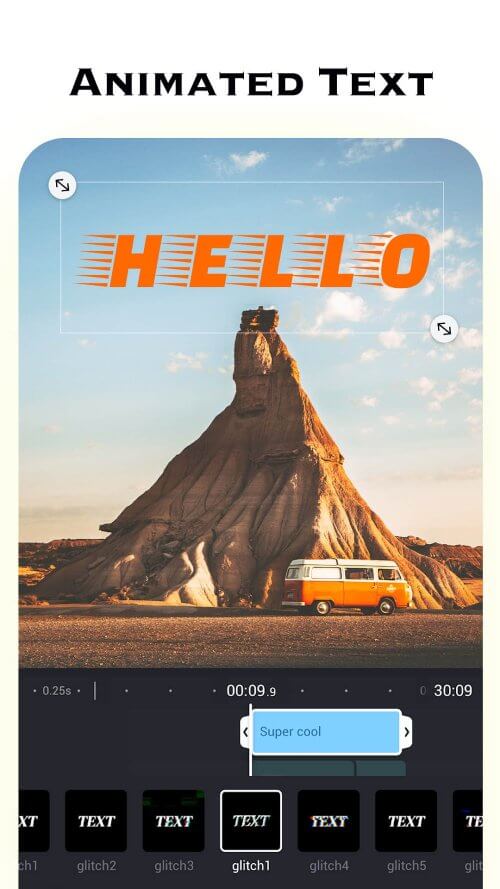
Various transition effects: ShotCut provides a large number of smooth, natural and creative transition design options, such as dissolve, push, wipe, rotate, etc., allowing users to seamlessly connect different scenes.
High-quality output: When converting formats, ShotCut can maintain the high quality of the original material, ensuring that the output video quality is delicate and the sound quality is full.