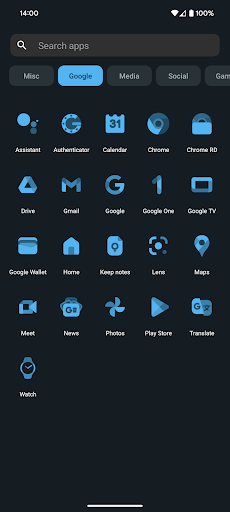
Nova Launcher Prime is a desktop launcher software based on the Android system. It inherits the basic functions of Nova Launcher and has made a lot of optimizations and enhancements. Nova Launcher Prime has become one of the most respected desktop tools among Android users with its high customizability, smooth operation experience and powerful functions.
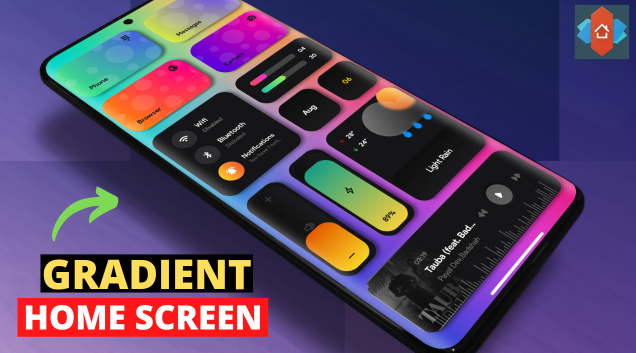
How to use Nova Launcher Prime?
To use Nova Launcher Prime, you first need to make sure that your device has installed this application. After installation, you can follow the steps below to set it up and use it:
Basic settings: In the application, you can customize the number of grid rows and columns, margin size, display and hide of the search bar, etc. of the home screen. These basic settings allow you to adjust the layout and appearance of the desktop according to your preferences and usage habits.
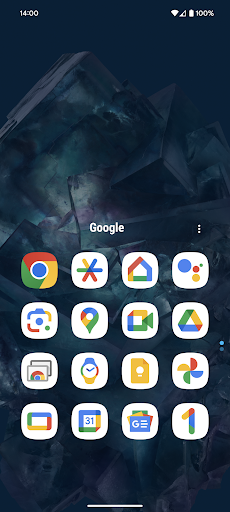
Icons and wallpapers: Nova Launcher Prime supports changing icon themes and wallpapers. You can select preset themes in the application, or download and apply them from other applications or websites.
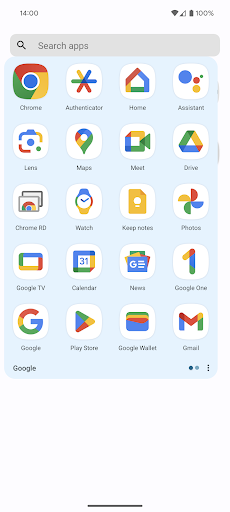
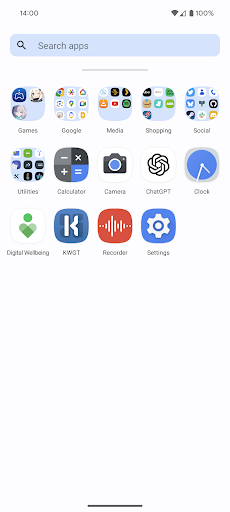
Tray and menu: You can customize the number of paging and scrolling effects of the tray, as well as the display mode and scrolling effects of the application menu. These settings allow you to access and manage your applications more conveniently.
Gesture operation: Nova Launcher Prime also supports gesture operation. You can set gestures such as swipe up, swipe down, and two-finger swipe to execute specific commands, such as opening applications, switching desktops, etc.
Backup and restore: Nova Launcher Prime provides backup and restore functions. You can back up the current settings and configurations to the cloud or local at any time, so that you can quickly restore them when changing devices or resetting the system.
Is Nova Launcher Prime free?
The basic version of Nova Launcher Prime is free, but the functions are limited. To unlock all functions, you can upgrade to the professional version (Prime version), which may require a certain fee. However, Nova Launcher Prime provides a wealth of free themes and customization options, so you can get a good experience even without paying.
Nova Launcher Prime core features:
Highly customizable: Nova Launcher Prime allows users to customize all aspects of the desktop, including grid layout, icons, wallpapers, trays, menus, etc.
Smooth operation experience: The optimized and enhanced code base ensures the smoothness and stability of Nova Launcher Prime in operation.
Gesture operation: Supports a variety of gesture operations, which makes it convenient for users to quickly execute various commands.
Icons and Wallpapers: Provides a rich selection of icon themes and wallpapers, allowing users to customize them according to their preferences.
Backup and Restore: Supports backup and restore functions, allowing users to quickly restore settings and configurations when changing devices or resetting the system.
Application Drawer Management: Create custom tabs or folders in the application drawer to help users better manage and organize applications.
Hide Applications: Supports hiding unnecessary application icons to keep the desktop neat and clear.
Custom Icon Slide Gestures: Set slide gestures for icons or folders to perform custom operations.
Night Mode and Dark Theme: Provides night mode and dark theme options to protect users' eyesight and save power.
Rich Theme Library: Built-in thousands of free themes for users to choose and apply.