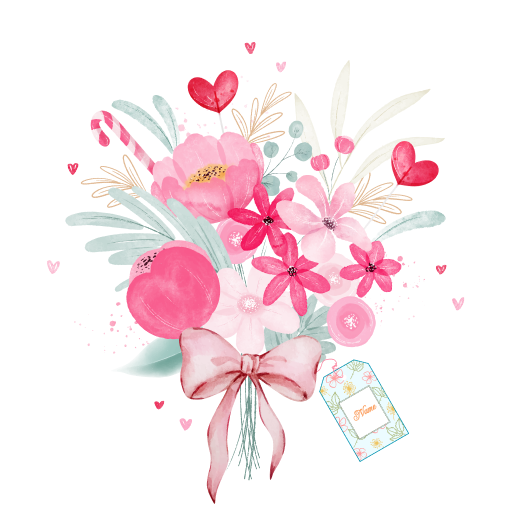
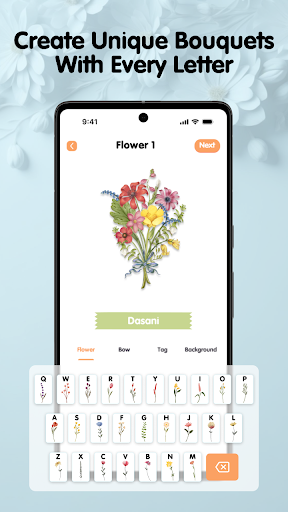
DIY Flower Language is an app designed for iPhone that allows users to create personalized and symbolic wallpapers. The app visualizes the user's name or specific text through elements such as flowers, space or aquariums, creating a mobile wallpaper that is both beautiful and meaningful.
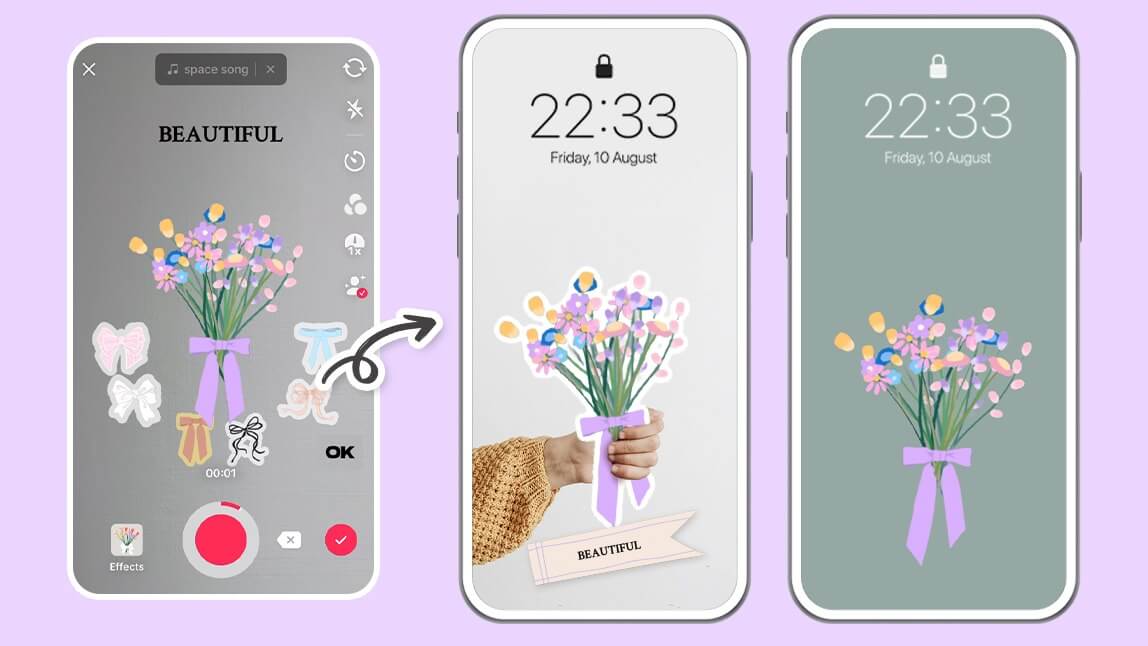
How to use DIY Flower Language?
Download and install: First, users need to download and install the DIY Flower Language app through the App Store on an iPhone device that supports iOS.
Open the app: After the installation is complete, open the DIY Flower Language app and enter the main interface.
Choose a style: The app provides three different styles for users to choose from: flower style, space style and aquarium style. Each style has its own unique elements and visual effects.
Enter text: Users can enter the text they want to present in the app, such as names, short sentences, etc.
Generate wallpaper: The app will automatically generate the corresponding wallpaper based on the text entered by the user and the style selected. Users can further customize and decorate on this basis.
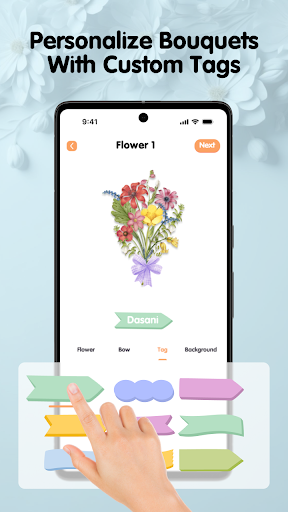
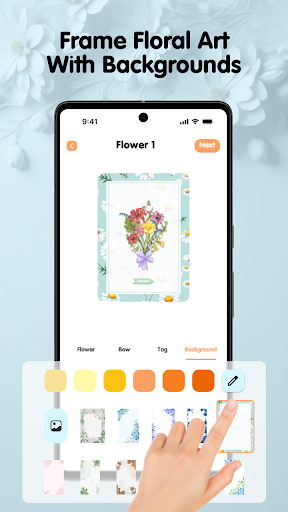
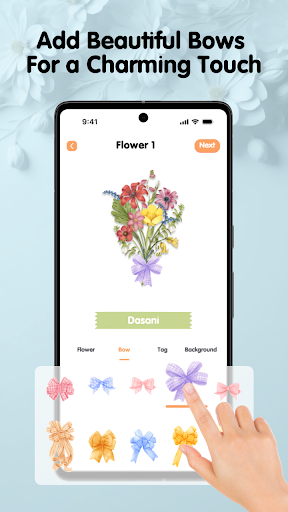
Customization and decoration: The app provides a wealth of customization options, such as selecting different elements such as flowers, planets, fish, and adding decorations such as vases, planet orbits, aquariums, etc. Users can match and adjust according to their own preferences.
Save and share: After completing the customization, users can save the wallpaper to the mobile phone album and set it as the lock screen or home screen wallpaper of the mobile phone. In addition, users can also share the wallpaper with friends and family.
Is DIY Flower Language free?
The DIY Flower Language app itself is free, but it may contain in-app purchases. These in-app purchases may include more advanced customization options, additional element libraries, or features such as removing advertisements. Users can choose whether to make in-app purchases based on their needs and budget.
DIY Flower Language core functions?
Personalized wallpaper creation: Users can create personalized wallpapers by entering text and selecting different styles according to their preferences and needs.
Multiple style options: The app provides three different styles for users to choose from: flowers, space, and aquariums, each with its own unique elements and visual effects.
Rich customization options: Users can add different elements and decorations to the wallpaper, such as flowers, planets, fish, etc., and freely match and adjust them.
Real-time preview and adjustment: Users can preview the wallpaper effect in real time during the creation process, and adjust and optimize as needed.
Save and share functions: Users can save the created wallpaper to the mobile phone album and set it as the lock screen or home screen wallpaper of the mobile phone. At the same time, users can also share the wallpaper with friends and family.
In-app purchases (optional): The application may provide in-app purchases to provide more advanced features and customization options for users to choose from.