
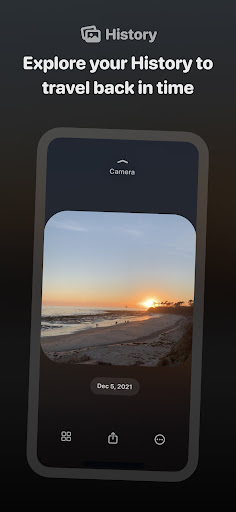
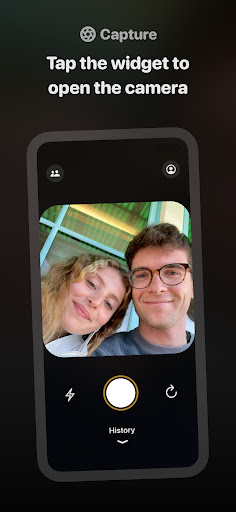
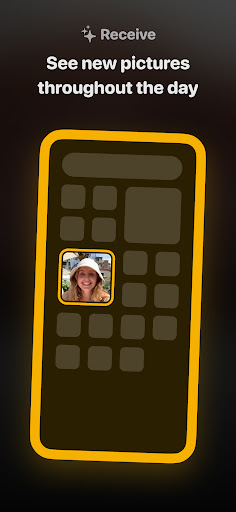
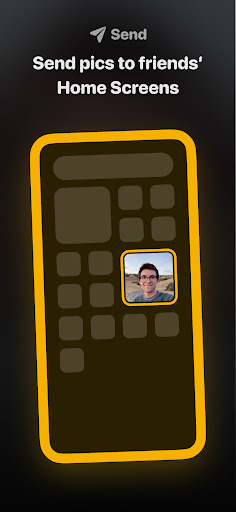
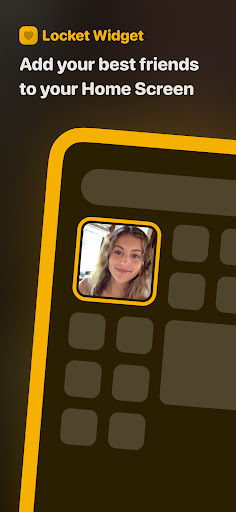
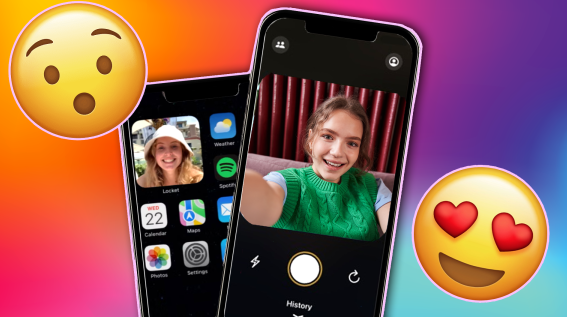
Locket Widget is a desktop photo widget app designed for iOS devices. It allows users to add their favorite photos or pictures to the mobile phone desktop and display them in a personalized way. This app is similar to the widget function that comes with the Apple system, but it provides more customization options and layout choices, allowing users to create a unique desktop style.
How to use Locket Widget?
Download and install:
First, make sure your iOS device has been updated to a version that supports widgets (such as iOS 14 and above).
Then, search for "Locket Widget" in the App Store and download and install it.
Add widgets:
Press and hold a blank area on the phone screen to enter edit mode.
Click the "+" sign in the upper left corner of the screen and find "Locket Widget" in the pop-up widget list.
Select the size and style of the widget you want, and then add it to the desktop.
Custom settings:
Click the widget you just added to enter the settings interface of Locket Widget.
Here, you can select the photos to display, adjust the layout, set animation effects, etc.
You can also add multiple widgets and set different photos and content separately as needed.
Complete the setup:
After the setup is completed, exit the edit mode and your desktop will display the personalized Locket Widget.
Is Locket Widget free?
The basic version of Locket Widget is free, but the app may provide some advanced features or customization options that need to be unlocked through in-app purchases. The specific cost will vary depending on the options and promotions provided in the app.
Core functions of Locket Widget:
Photo display:
Allow users to add personal photos or favorite pictures to the desktop and display them as widgets.
Supports multiple layouts and style options to meet the personalized needs of different users.
Custom settings:
Provides a wealth of customization options, such as photo carousels, animation effects, layout adjustments, etc.
Users can personalize according to their preferences and desktop style.
Social interaction (may be available in some versions):
Allow users to share photos with friends and view photos shared by friends in the widget.
May also include some interactive features, such as likes, comments, etc. (depending on the app version and update status).
Data synchronization:
May be synchronized with the user's iCloud account or other cloud services to ensure that photos and settings are consistent across different devices.
Updates and reminders:
Supports automatic updates of photos and content on widgets to ensure that users always see the latest information.
May also include some reminder features, such as birthday reminders, anniversary reminders, etc. (depending on the app version and update status).