
ParentSquare is a unified home-school engagement platform designed for K12 education, headquartered in Santa Barbara, California. The platform strengthens the connection between school and family by providing a safe and convenient communication channel, helping to create a vibrant school community. ParentSquare is committed to changing the traditional, one-way communication method, so that parents can transform from "spectators" to active participants in their children's education.
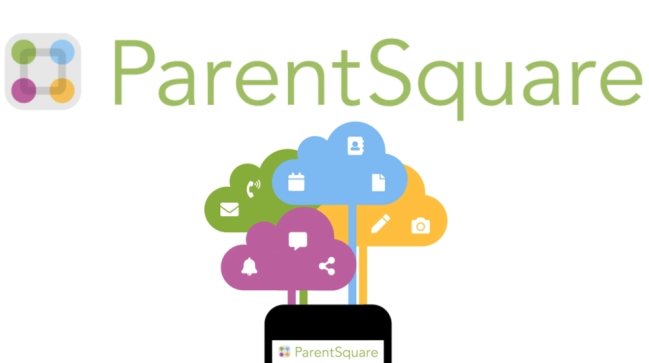
How to use ParentSquare?
Download and install:
Parents can search for "ParentSquare" in the App Store (iOS devices) or the corresponding app store (Android devices) and download and install it.
Register and log in:
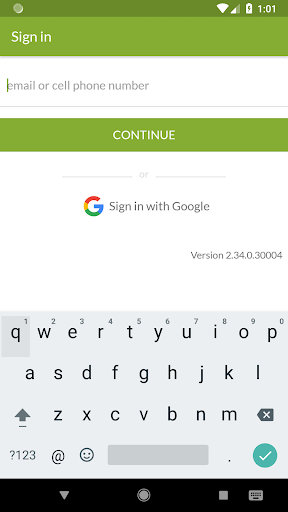
After installation, parents need to register and log in using the credentials provided by the school or through the method specified by the school.
Browse and interact:
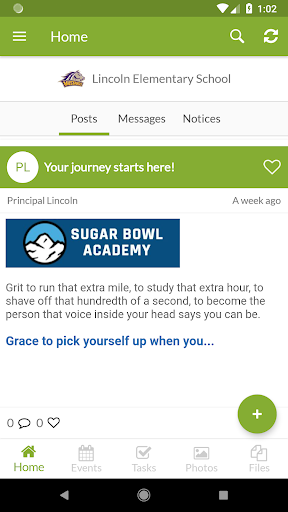
After logging in, parents can browse the notices, announcements, event information, etc. released by the school.
Participate in group discussions and interact with teachers and other parents.
Send and receive private messages and communicate one-on-one with teachers or school administrators.
View and manage:
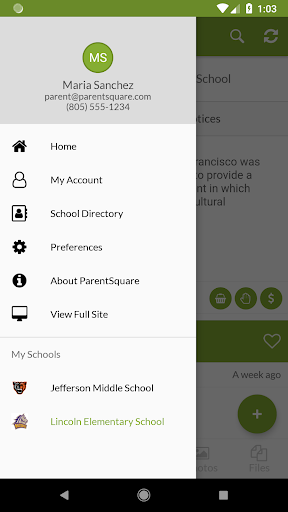
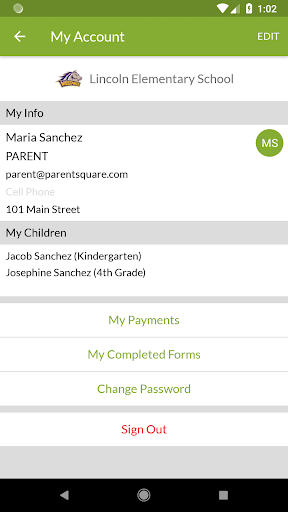
Parents can view their children's schedules, grades, attendance, etc. (specific functions may vary depending on the implementation of the school).
Manage school event registration, sign-in, and other matters.
Is ParentSquare free?
The basic version of ParentSquare is free, but some advanced features or customization options may be unlocked through in-app purchases or school fees. The specific fees will vary depending on the school's needs and the selected features. Parents usually do not need to pay directly to use ParentSquare unless the school decides to use additional paid services.
ParentSquare core features:
Two-way communication:
Provides group discussion and private message functions to enable real-time, two-way communication between parents, teachers, and students.
Notices and announcements:
Schools can use ParentSquare to publish notices, announcements, event information, etc. to ensure that parents can obtain important information in a timely manner.
Schedule management:
Parents can view their children's class schedules, school event schedules, etc., to facilitate time arrangement.
File sharing:
Supports the upload and sharing of photos, files, and other materials, making it convenient for parents and teachers to communicate about students' learning.
Personalized settings:
Parents can set notification preferences, privacy settings, etc. according to their personal needs to improve the user experience.
Data analysis and reporting (for school administrators):
Provide visual dashboards to help school administrators analyze home-school communication data, evaluate activity effectiveness, etc.
Multi-language support:
Support multiple languages to ensure that parents with different language backgrounds can use it smoothly.
Integrate with school management system:
Integrate with the school's existing management system (such as SIS or LMS) to achieve seamless data connection.