
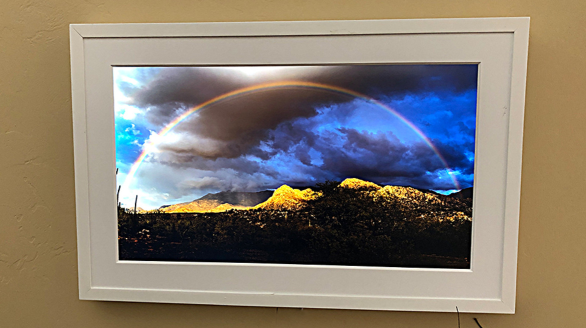
Aura Frames is an intelligent photo frame application, which aims to make photos display and sharing simple and pleasant. Through the Aura Frames application, users can easily view and share photos, set and manage photo frames to achieve real -time sharing with their families.
How to use Aura Frames?
Use Aura Frames, first you need to download and install the application. After the installation is completed, you can follow the steps below:
Set framework: In the application, you can connect the frame to WiFi, which can usually be completed within 5 minutes.
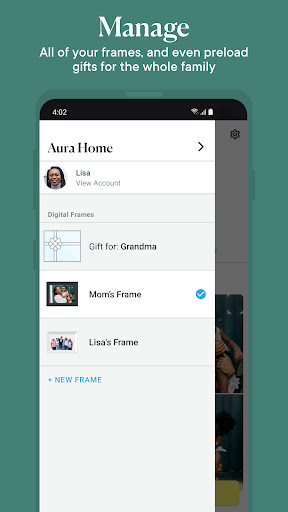
Pre -load photos or messages: If you intend to give Aura Frames as a gift to others, you can pre -load some photos or messages before giving away.
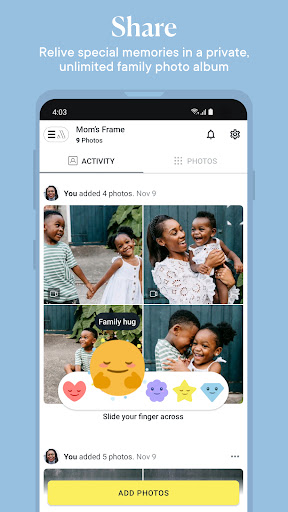
Invite your family to share: You can invite your family to join so that they can share their photos on your photo frame.
Is Aura Frames free?
The Aura Frames application itself is free, but the specific service or function may need to decide whether to pay according to the options provided in the application.

Aura Frames core function:
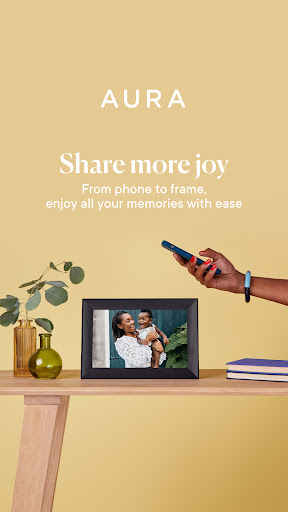
Smart photo display: Aura Frames can automatically display and play the photos of your choice, allowing you to appreciate beautiful memories at any time.
Sharing function: You can invite family members and friends to share their photos to your photo frames to achieve real -time photos sharing.
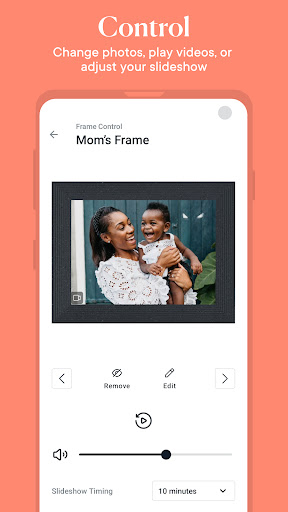
Remote control: Through the application, you can remotely control the setting of the photo frame, such as replacing photos and adjusting the display method.
Personalized settings: You can customize the display effect and method of custom frame according to your preferences, such as the transition effect, display time, etc.