
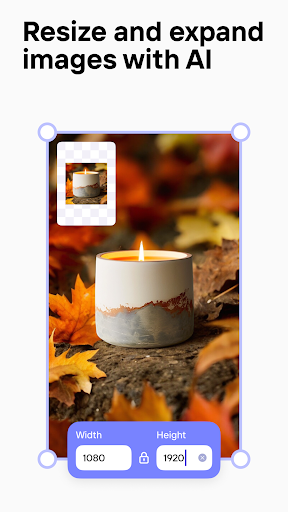
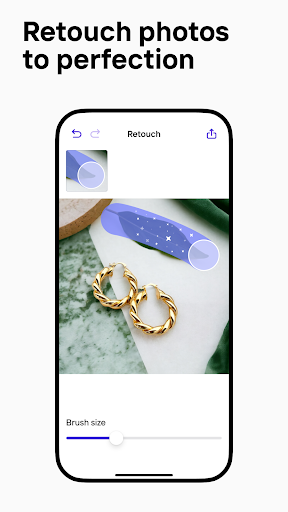
Photoroom is the all-in-one app that edits, designs and optimizes great visual content that helps you run your business from your phone. Remove or erase the background of photos, use templates and create your own content.
How to use Photoroom?
Installation and opening application:
First download and install Photoroom applications on your iOS or Android device.
Open the application.
Import photos:
After entering the application, you can choose to enter a photo from the mobile phone gallery, or use a camera to take a new photo directly in the application.
Automatic background removal:
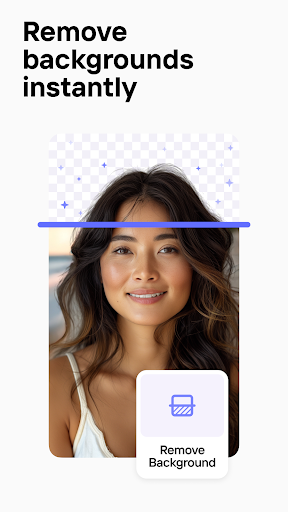
Photoroom is known for its powerful automatic background to remove technology. As long as you click the corresponding buttons or tools, it will intelligently identify and remove the background in the photo, only retain the main part.
Edit photos:
Finely edit the preserved subjects, such as fine -tuning edges, increasing shadows, changing background color or patterns.
You can use the built -in editing tool to adjust the color, brightness, and contrast of the picture.
Add template and material:
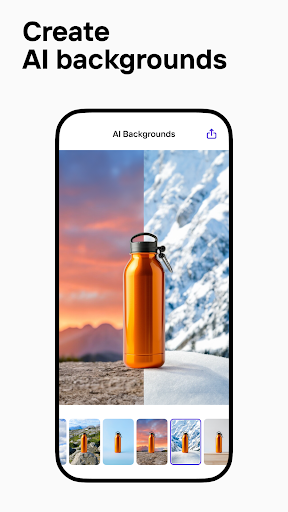
Select a suitable design background from the many templates provided by Photoroom, and you can also add preset text styles or other design elements.
Add text or logo:
If you are a Pro user, you can add your own signs or other graphics to the image.
Save and export:
After completing the editor, you can save the design results to your mobile phone album.
You can also share the edited pictures directly from the application to social media or other platforms.
What are the core functions?
Basic editing tools: Provide basic editing options such as tailoring, rotation, adjustment of brightness/contrast, saturation, and color tone.
Beauty function: including one -click beauty, removing defects, whitening skin and other functions to help users optimize portrait portraits.
Filter and special effects: Provide a series of preset filters. Users can easily give photos to different styles and atmosphere, from retro to modern, from black and white to color.
Senior editor: It may also include more complicated editing tools, such as curve adjustment, local color adjustment, blurred background, etc.
Layout and collage: Users can create customized picture layouts and collages, combining multiple photos into interesting works.
Art effect: Provide a variety of artistic effect conversion functions such as sketching, oil painting, watercolor painting, and transform photos into unique art works.
Share function: After the editorial is completed, users can directly save photos to mobile phone albums or share on social media platforms through Photoroom.
Is there a cracked version of Photoroom?
From the above historical records, it can be seen that there is information on the Internet that claims to provide the relevant information of the Photoroom cracked version, indicating that there has been a so -called cracked version download resource in the past period of time. These cracked versions usually refer to some unauthorized modified versions. The payment mechanism of the original software by illegal means, so that users can enjoy the professional version of the professional version that originally needed to buy or subscribe.
However, the use of cracked version software is illegal, which not only violates the rights and interests of software developers, but also has hidden safety hazards without permitted cracked versions, such as malicious code such as viruses and Trojan, threatening the security of user equipment and personal privacy. In addition, because the cracked version is not officially supported, users cannot get effective help and technical update when they encounter problems.
It is strongly recommended that users comply with the copyright law and obtain and use software through legal channels. If you have a demand for Photoroom, you should purchase or register in the official store or officially authorized channels to ensure safe and stable services and good user experience.