
Whether you want to create a sliced GIF for a movie or create your own exclusive emoji, you can't miss this app, which can help you easily complete the GIF production.

Is GifmakerRPro easy to use?
Functional practicality: See if it provides enough GIF production and editing tools to meet user needs.
Easy to use: Whether the interface design is intuitive, whether the operation is simple, and whether the novice can get started quickly.
Performance performance: The speed of generating GIF, the quality of the output GIF, and the impact on computer performance.
User evaluation: View user evaluation and scoring of app stores or related forums to understand the feelings of actual users.
Core functions:
Image transfer GIF: Users can import multiple static pictures to synthesize GIF animation.
Video to GIF: transform the video editing into GIF format.
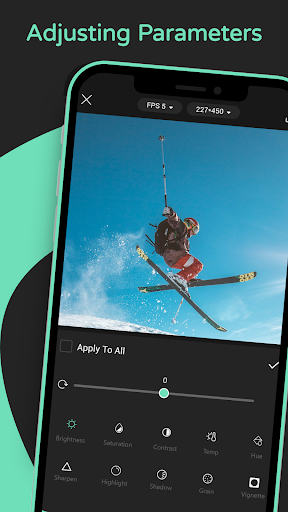
Edit function: including cutting, adding text, filter, adjustment speed, number of frames, etc.
Output quality settings: Users can customize the size, resolution and compression level of GIF to adapt to different application scenarios.
Features:
1. Browsing videos online to search for GIF materials;
2. One click download of online videos;
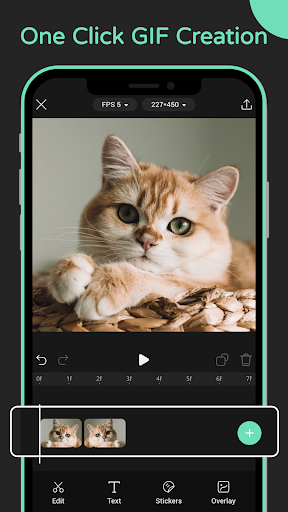
3. Convert the video to GIF with just one click;
4. Support GIF creation for images or videos;
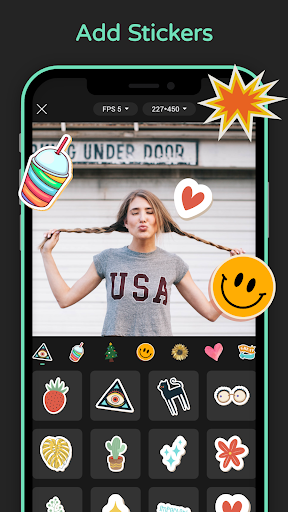
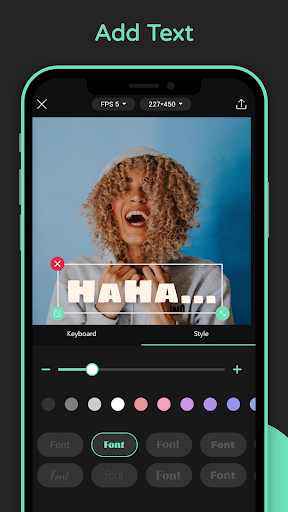
5. Support adding text or stickers;
6. Support setting the resolution and frame rate of GIF.