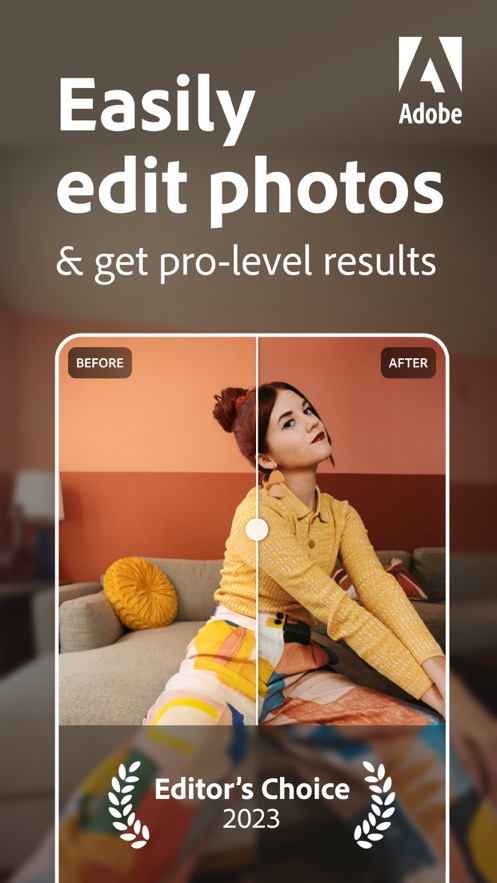
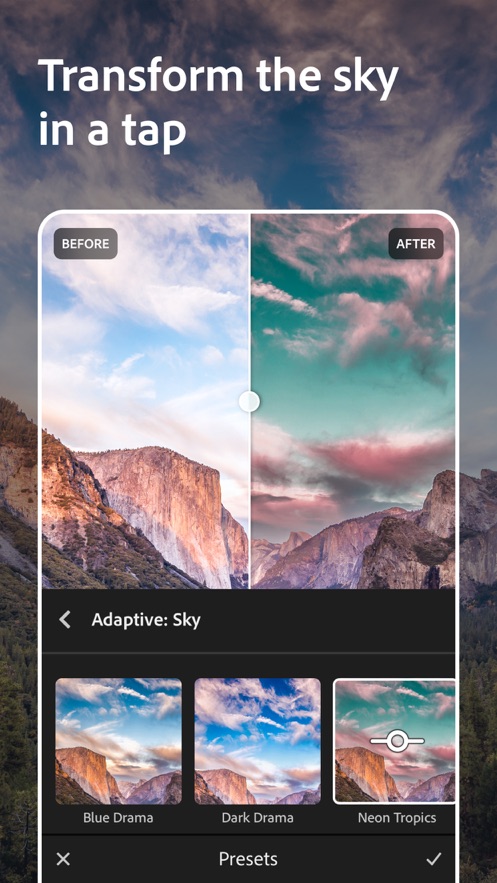
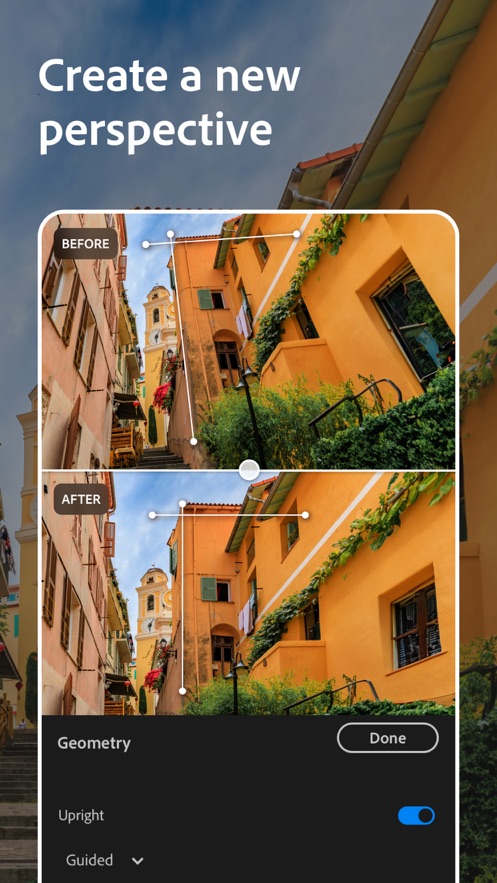
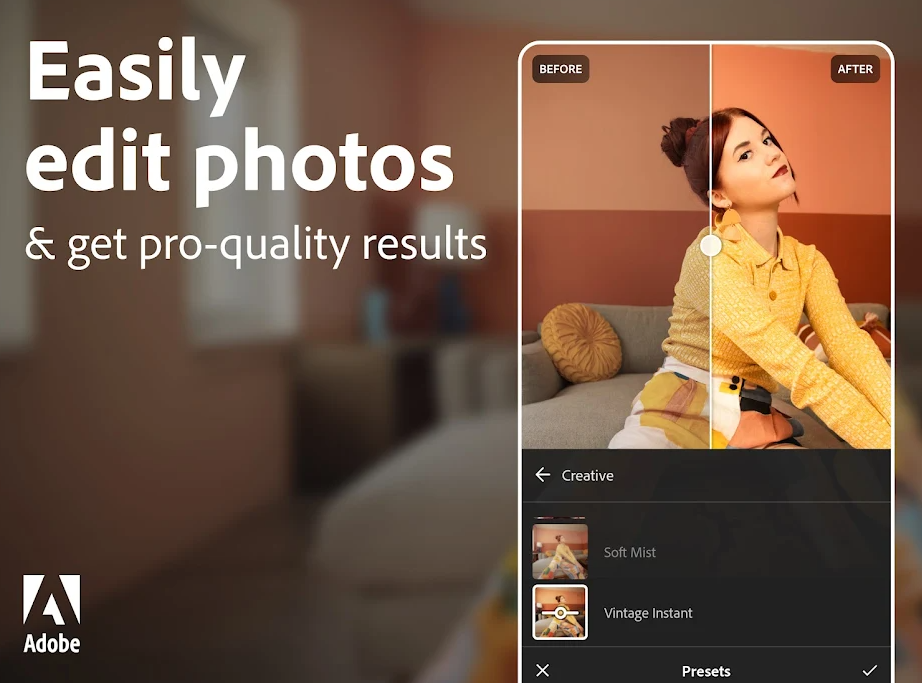
Lightroom is a smart retouching application that provides rich editing features and preset filters to help users easily adjust the color, contrast, exposure and other parameters of their photos. Users can quickly optimize photos with Lightroom's smart retouching features, and also save editing history for easy undo and redo at any time. Synchronized with Adobe Creative Cloud cloud, users can seamlessly access and edit photos on different devices, making it ideal for professional photographers and photography enthusiasts.
Software Introduction
MAKE YOUR PHOTOS AND VIDEOS STAND OUT WITH EASE
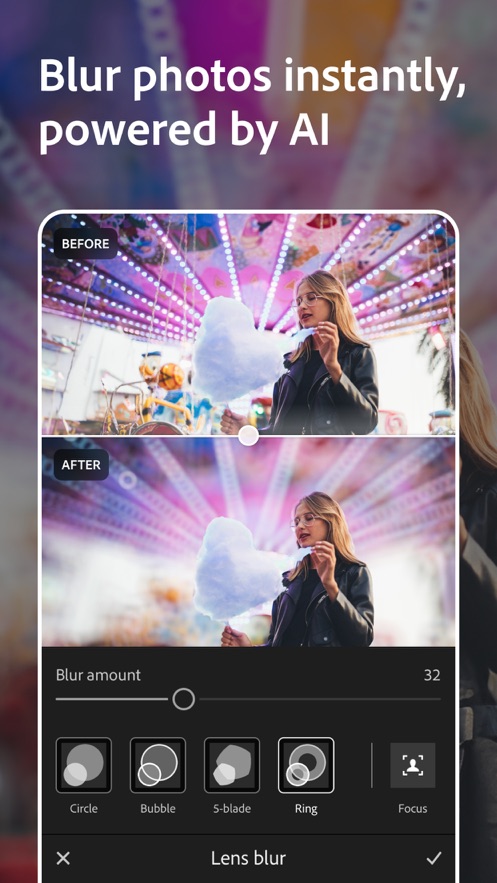
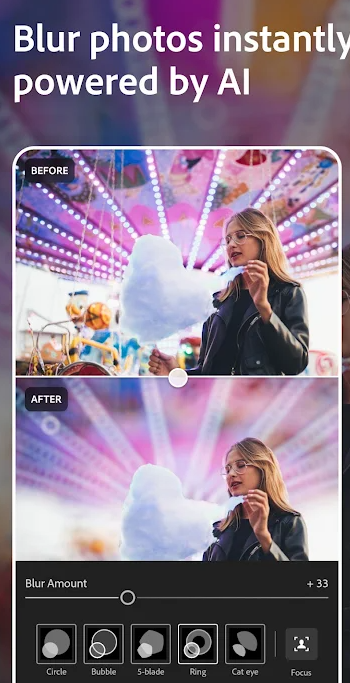
Join millions of users who trust Adobe Photoshop Lightroom to create stunning photos and videos with professional results. Start with one-tap presets or filters for pictures, videos and reels. Then, fine-tune the details with powerful tools to retouch, remove objects, blur backgrounds, and make more precise edits to bring your vision to life.
Whether you’re a budding photographer, a seasoned pro, or just love capturing life’s moments, Lightroom’s Video & Photo Editor helps you instantly transform any photo or video in just a few taps to share with the world. Get started with a free account.
Software Highlights
EASY-TO-USE AND POWERFUL PHOTO EDITOR
• Instantly find a photo and video to edit from your Android Gallery
• Get in your editing groove with a fast and intuitive photo editor and video editor interface
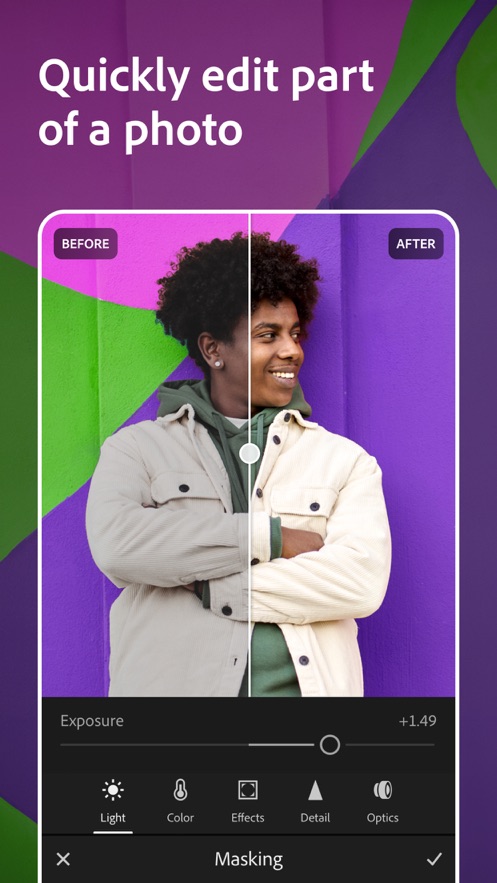
• Fix the lighting in any photo or video by editing exposure, highlights, shadows, contrast, color, curves and more with precision sliders
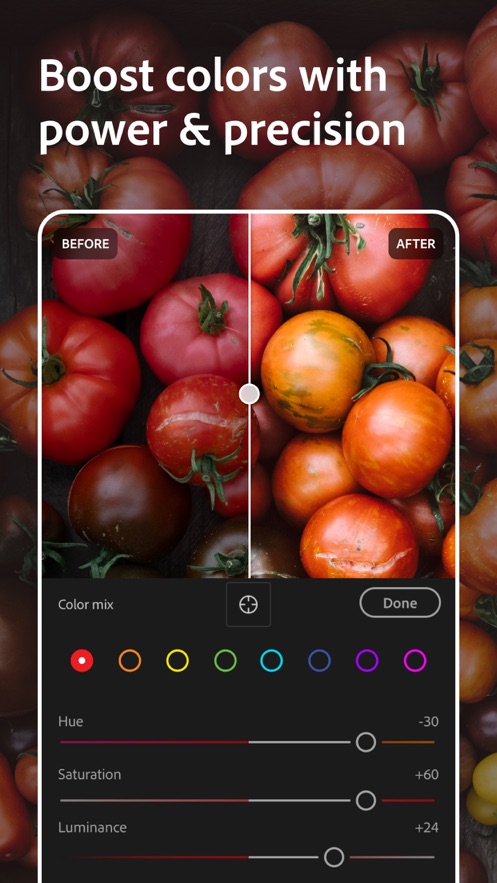
• Take full control of the color palette in your photo or video by editing hue, saturation, luminance, and color grading
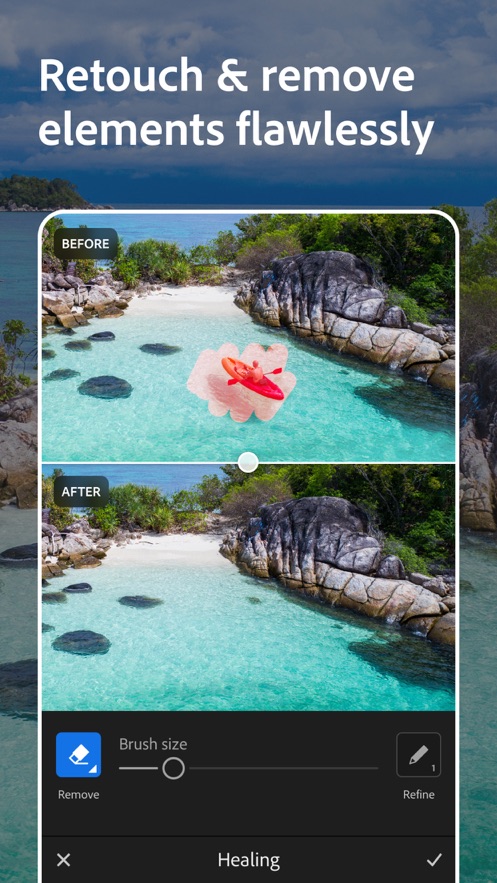
• Brush away, retouch and remove objects in pictures with healing
• Add video or photo effects by editing the clarity, texture, dehaze, grain and vignette sliders
• Crop or rotate your photo before sharing to social
• Edit and export photos in HDR
CURATED PRESETS AND FILTERS FOR PICTURES, VIDEOS AND REELS
• Make quick and easy edits with free presets and camera filters
• Create and save your own presets or filters for future edits
• Explore 200+ exclusive Premium Presets created by professional photographers and influencers
QUICK VIDEO EDITOR AND REELS MAKER
• Share your creative process using Lightroom’s editor by creating short before-and-after reels, made for social, with an edit replay
• Apply presets to instantly enhance videos or reels and create the same look and feel across your collection
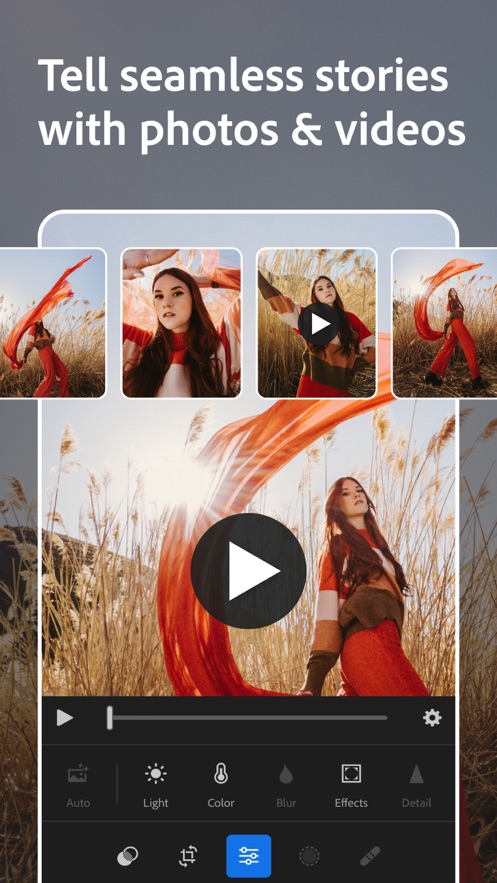
• Edit and retouch any video with precision sliders for contrast, highlights, vibrance, video effects and more
• Quickly trim and rotate your video
Software Advantages
PRO-GRADE CAMERA
• Capture flawless photos with Lightroom’s built-in camera, offering full manual controls, RAW capture, and HDR
• Apply presets or filters for pictures as you take your shot
GO PREMIUM TO ELEVATE YOUR PHOTOS AND VIDEOS
Achieve next-level photography with Lightroom Premium’s intuitive photo editor and video editor. Upgrade to unlock more easy-to-use and advanced tools including:
• AI-powered tools to make searching for photos and videos faster and editing easier
• Access 200+ exclusive premium preset filters created by professional photographers
• Precision tools like healing, masking and geometry
• Edit photos and retouch in RAW
• Easily apply the same edits across multiple pictures
• Find the same top-quality features in the photo editor that users love for video editing
• Get editing tips and tricks, save new presets, showcase your photos online, and connect with photographers in Lightroom’s Community
• Photo and video edits sync seamlessly, so start editing on your phone and effortlessly continue on your tablet or online on your laptop
• 100GB of cloud storage
Updates
- Bug fixes and stability improvements